The system will display the greenhouse gas emission values as defined by each organization. Users can add indicators as follows :
1. Click on the organization where user want to add the intensity Metrics.
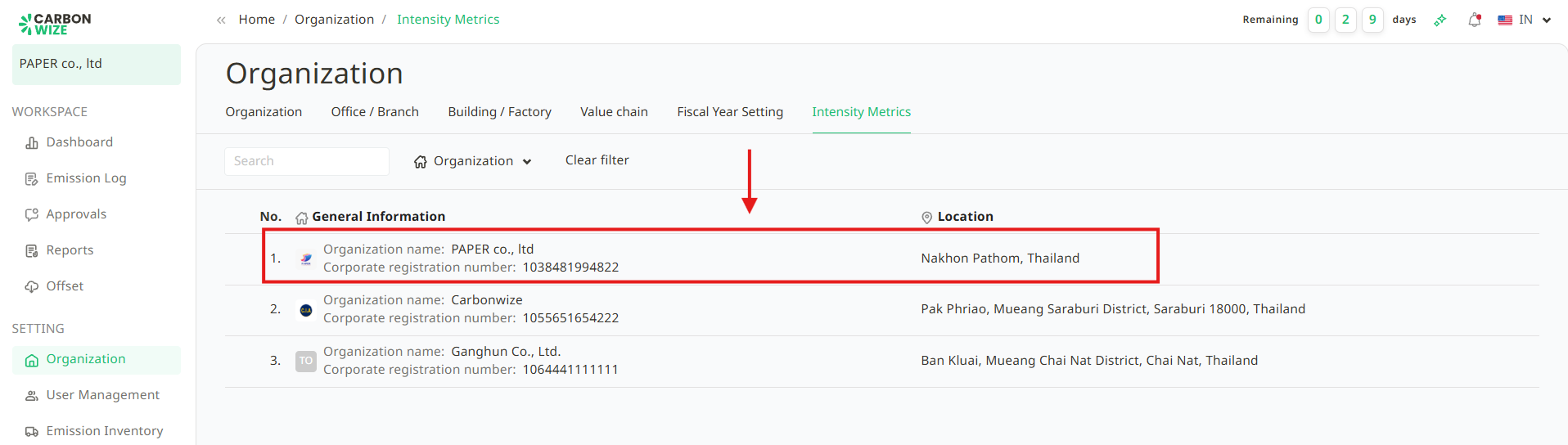
2. Click the + Add New Record button.

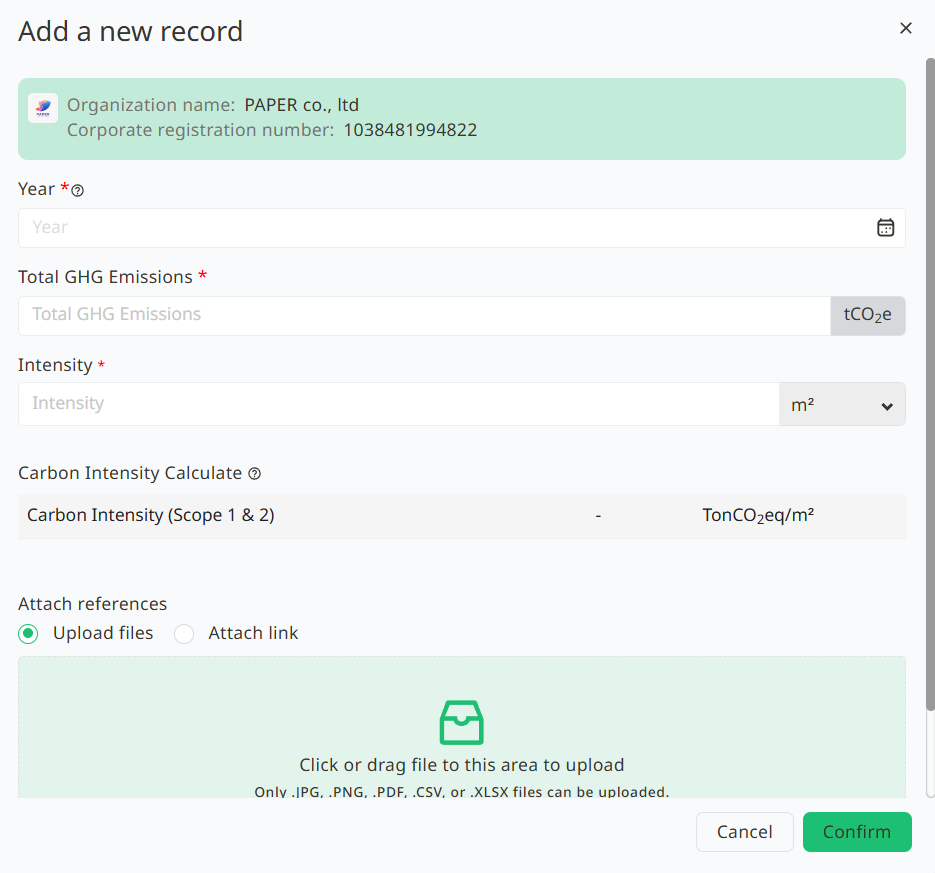
3. An Add a new record window will appear. Users must fill in all the required information completely, and then click the Confirm button.
4. The successfully saved intensity metrics will be displayed on the organization's transaction page.

Was this article helpful?
That’s Great!
Thank you for your feedback
Sorry! We couldn't be helpful
Thank you for your feedback
Feedback sent
We appreciate your effort and will try to fix the article