If users want to log out of the system, user can do as follows:
1. Hover the cursor over the username button located in the bottom left corner.
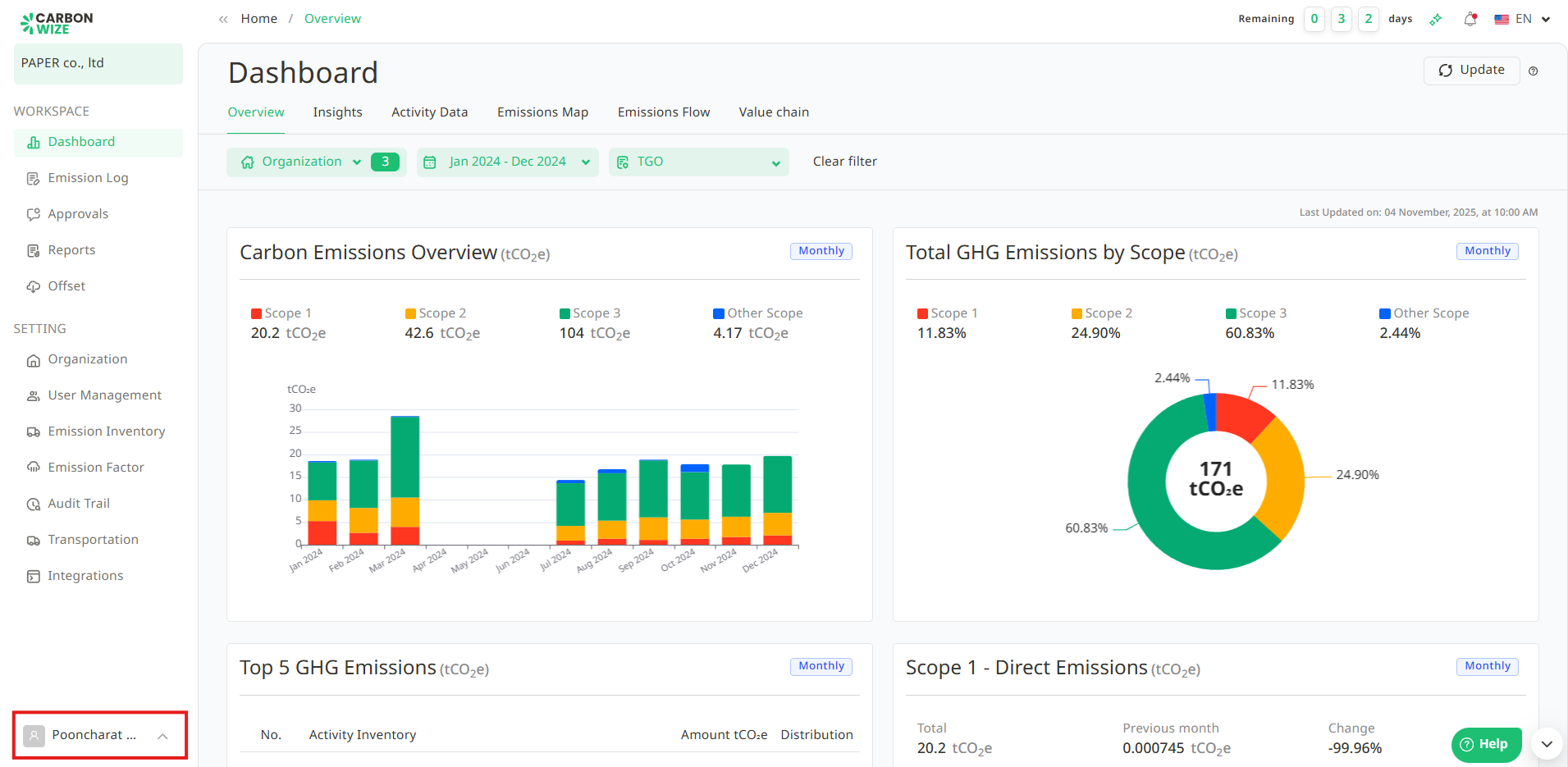
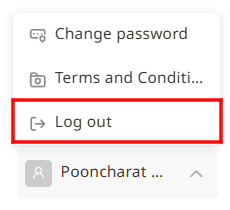
2. A drop-down menu will appear. Click the Logout button.
3. Users will be returned to the login page.
Was this article helpful?
That’s Great!
Thank you for your feedback
Sorry! We couldn't be helpful
Thank you for your feedback
Feedback sent
We appreciate your effort and will try to fix the article