The Navigation modal briefly outlines the Steps for using the Carbonwize. The navigation modal allows users to immediately access various function menus within the system.
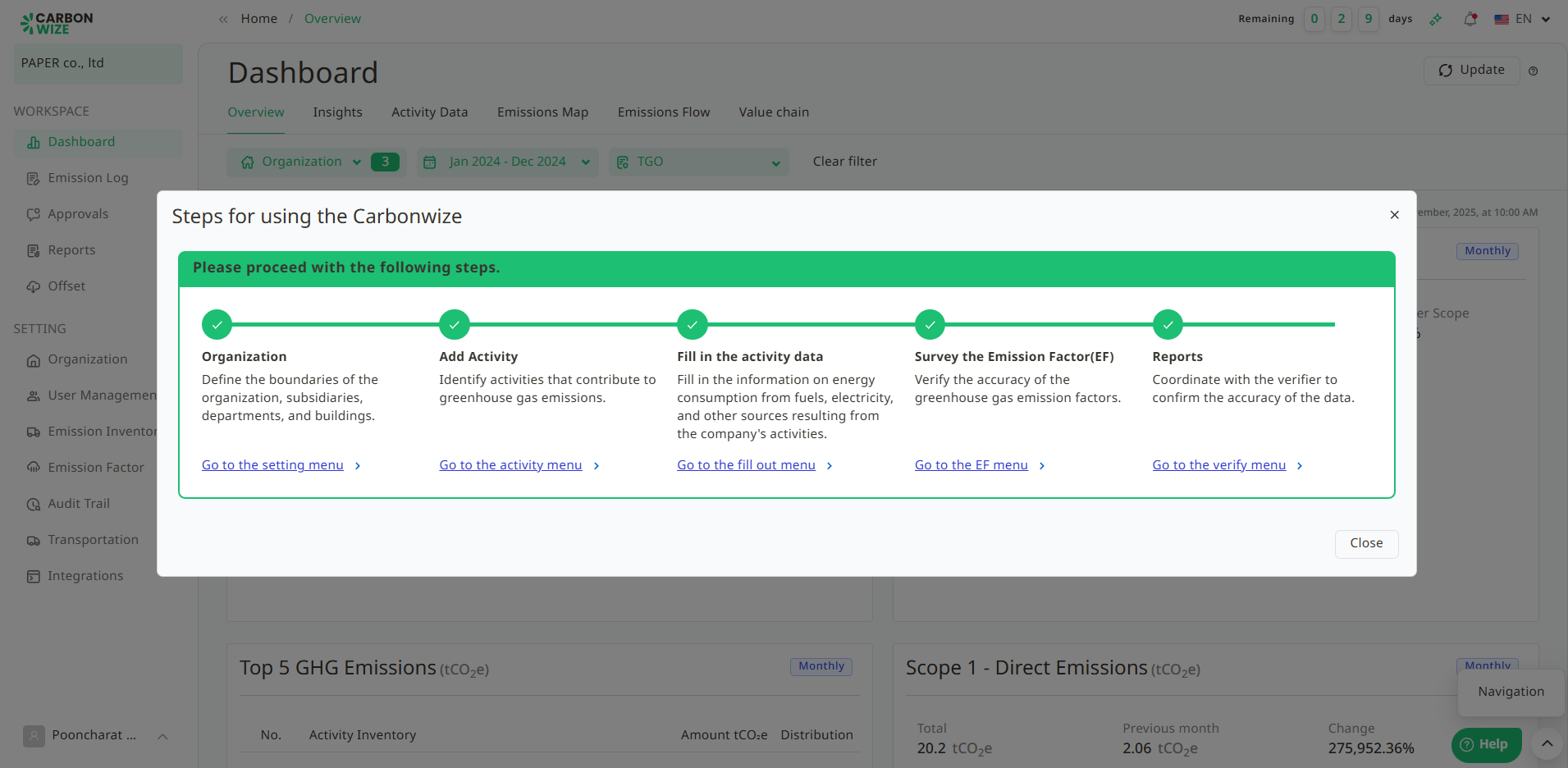
Users can access the system's usage guide by clicking the downward-pointing arrow icon, as shown in the figure.
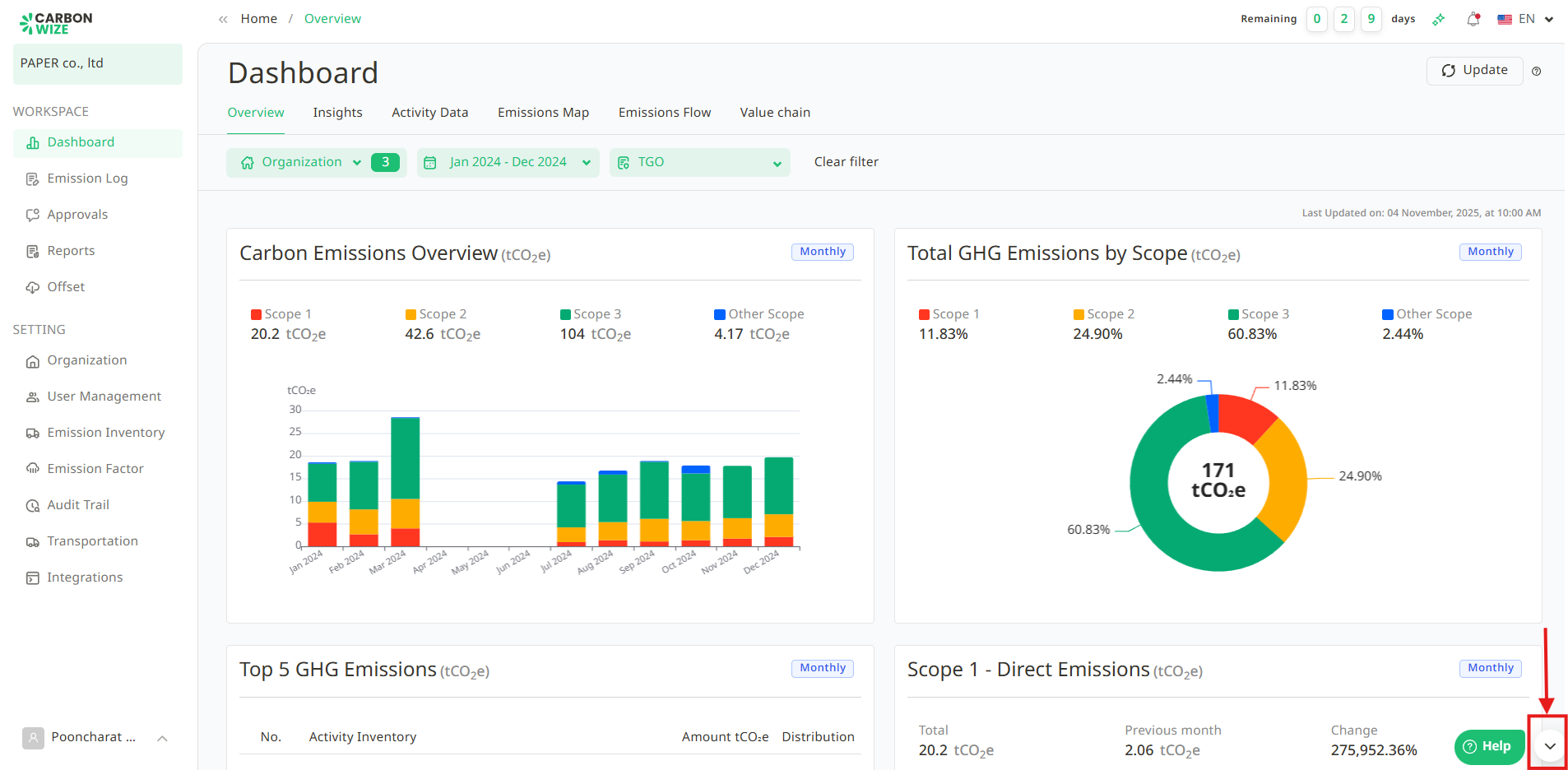
A Navigation button will appear. Users can click on this button, and the Steps for using the Carbonwize will be displayed in a pop-up window.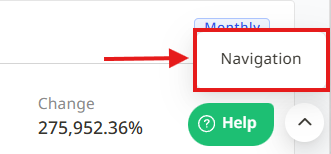
Users can click the link for each step to quickly navigate to the corresponding system usage page.
Was this article helpful?
That’s Great!
Thank you for your feedback
Sorry! We couldn't be helpful
Thank you for your feedback
Feedback sent
We appreciate your effort and will try to fix the article