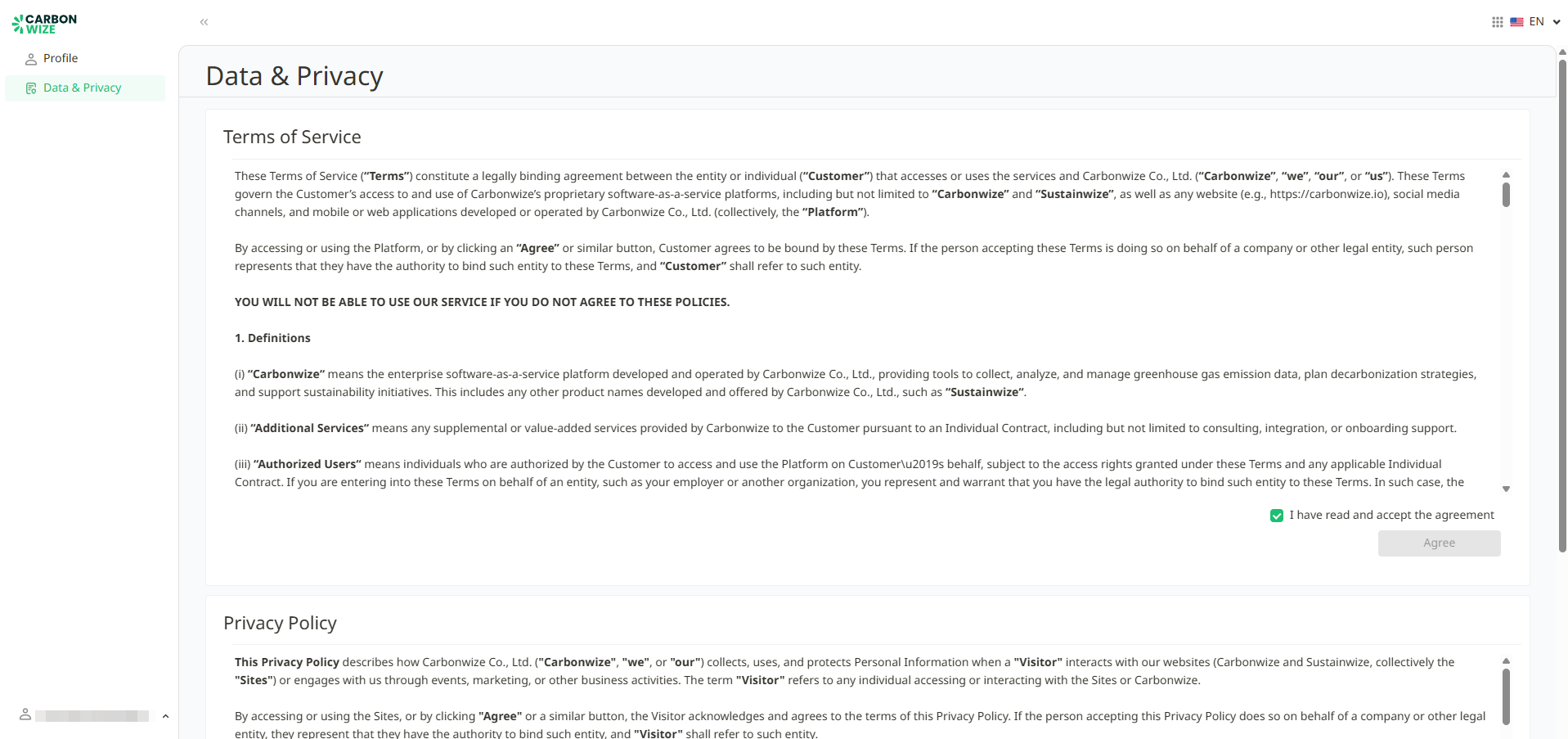
When a user successfully logs in, you will be taken to the profile page. A pop-up window will appear showing Terms of Service and Privacy Policy. You must scroll to the bottom of the document to read it in full before checking the "I have read and agree to the terms" button.
If You does not agree to these terms, you won't be able to use the Carbonwize system and will be automatically logged out.
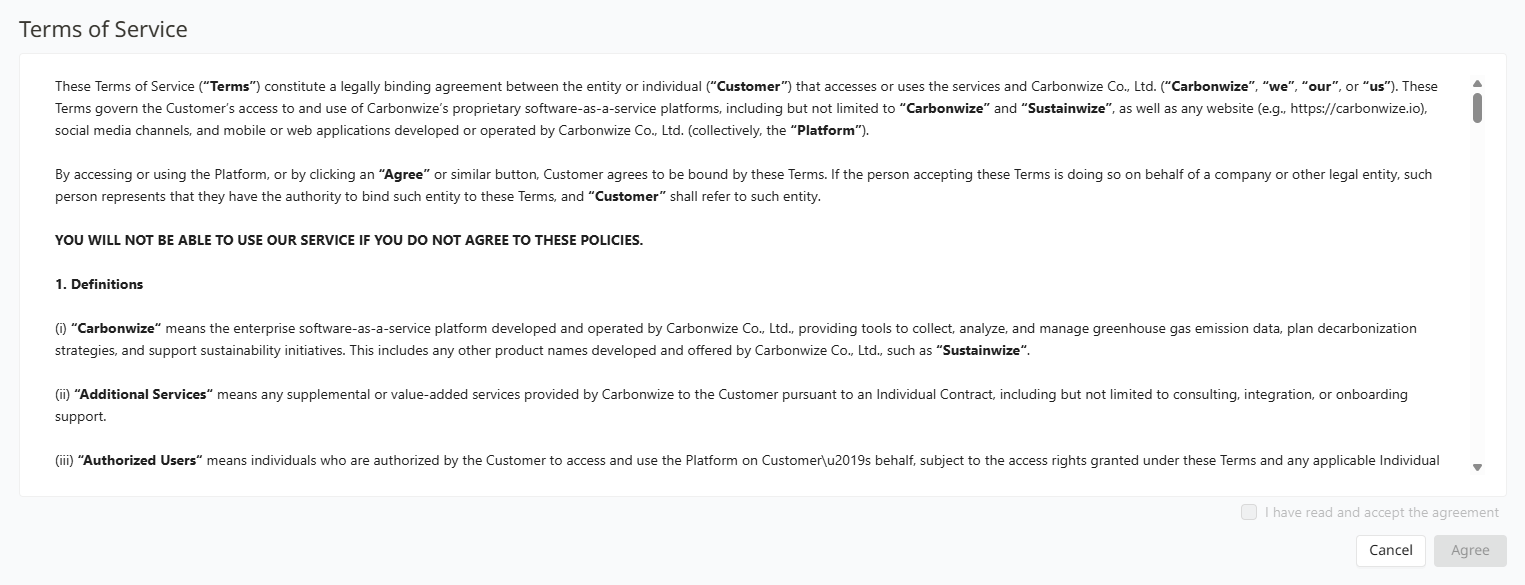
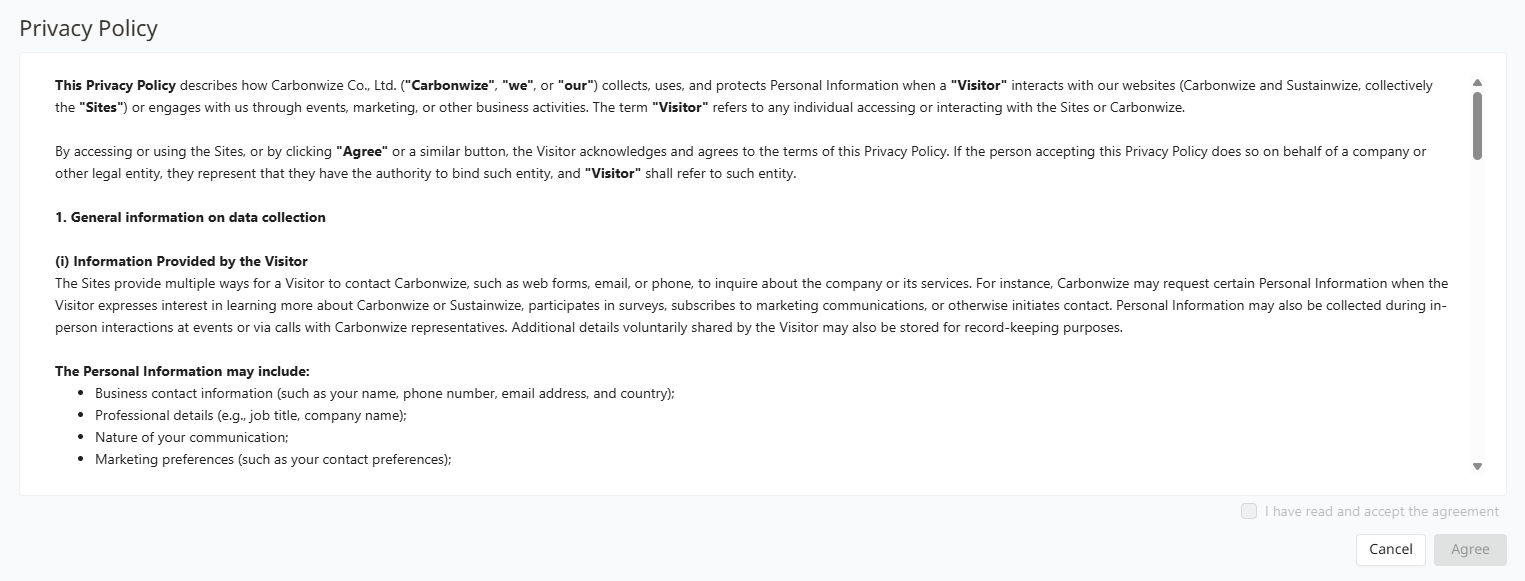
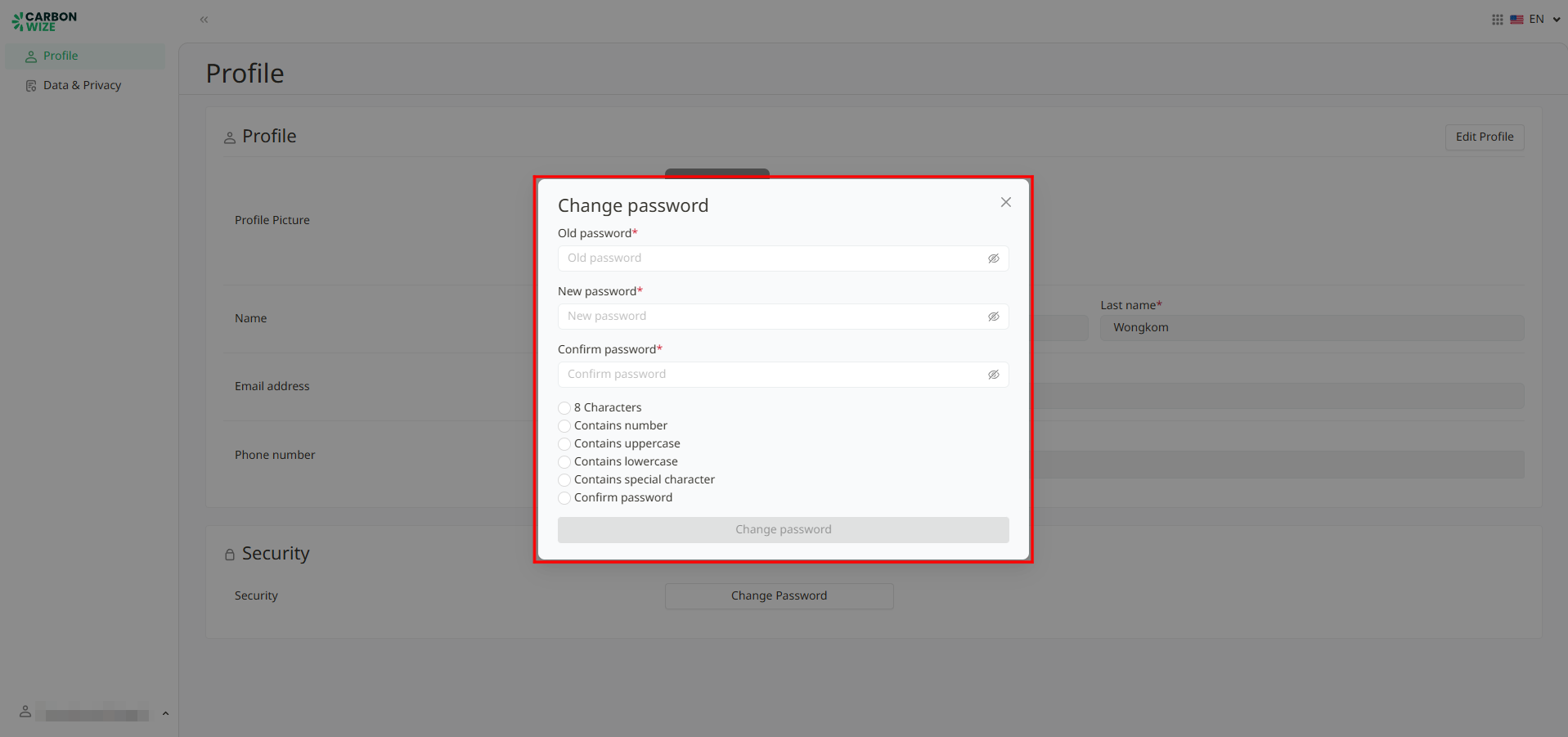
After accepting the terms of service, the system will display a pop-up window requiring the user to change a temporary password to a new one the user chooses.
The user must enter an old password, new password, and confirm the new password, then click the Change Password button. The system will log them out automatically, and user must log in again using their new password.
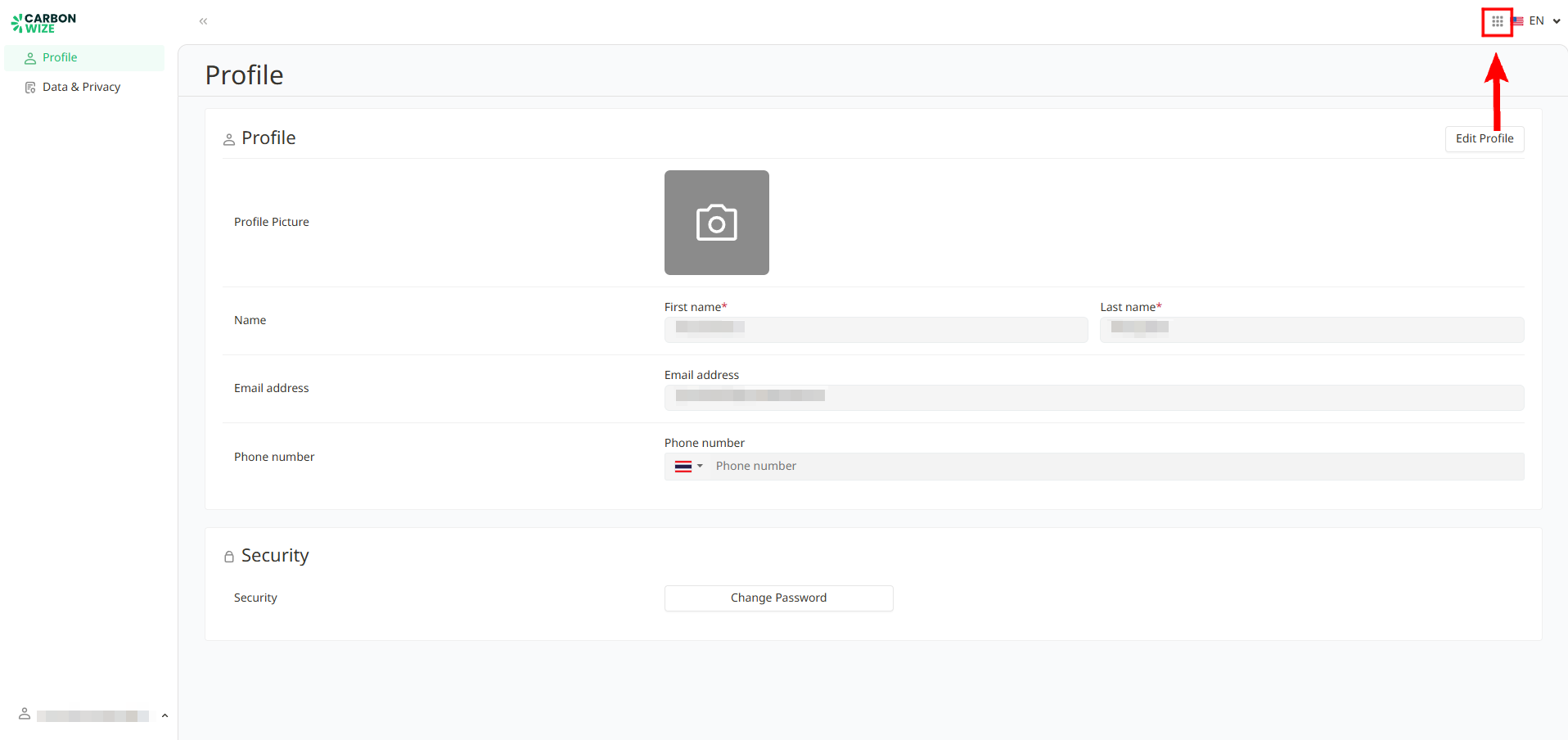
When the user logs in again, the system will take them to profile page. On this page, you can edit personal details or navigate to the Data and Privacy page to read the Terms of Service and Privacy Policy.
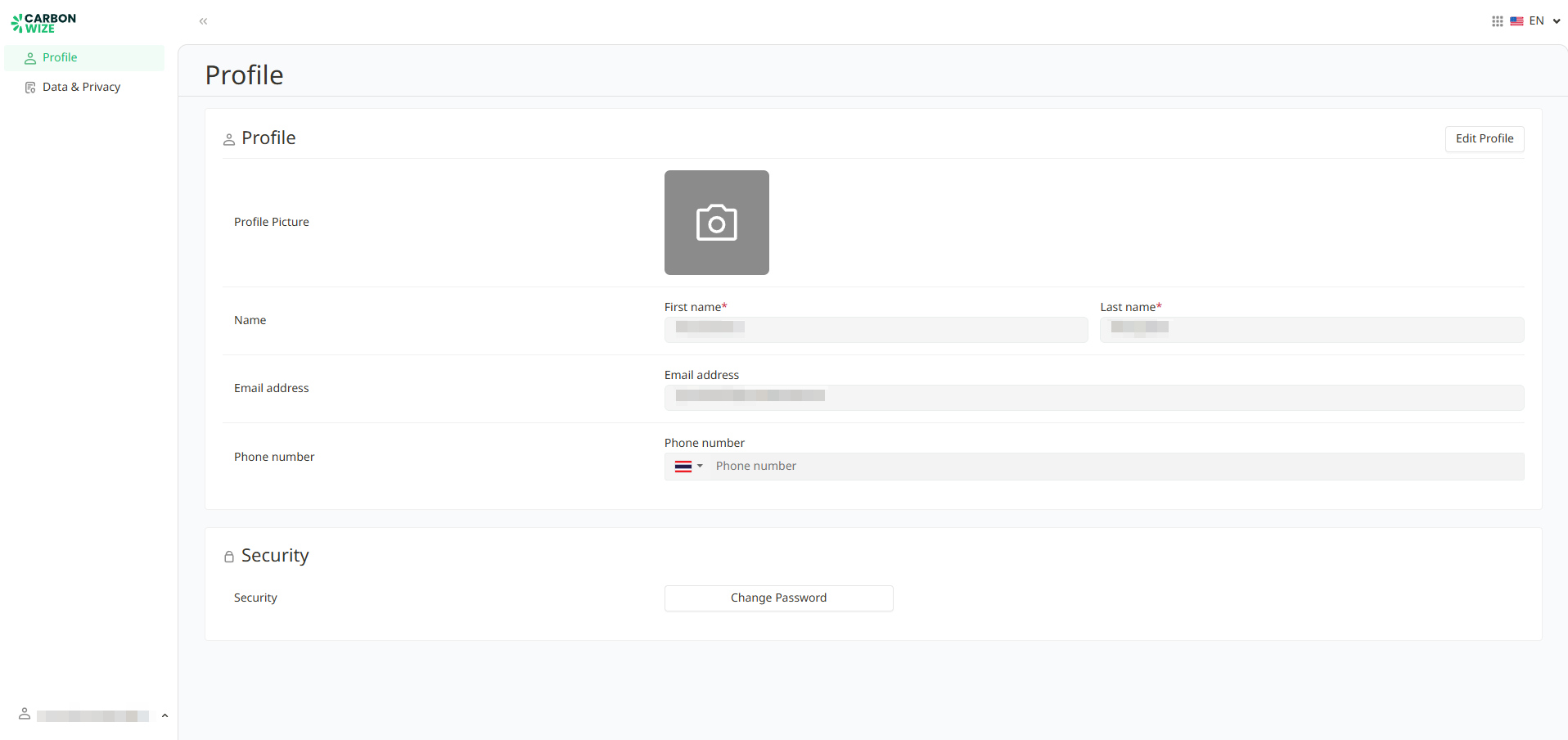
Users can access the Carbonwize system by clicking the square button in the top right corner of the screen.
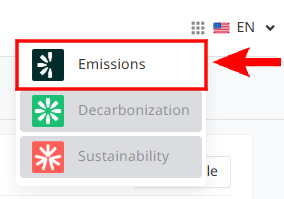
A dropdown menu will appear for the user to select Emissions to access the Carbonwize application page.
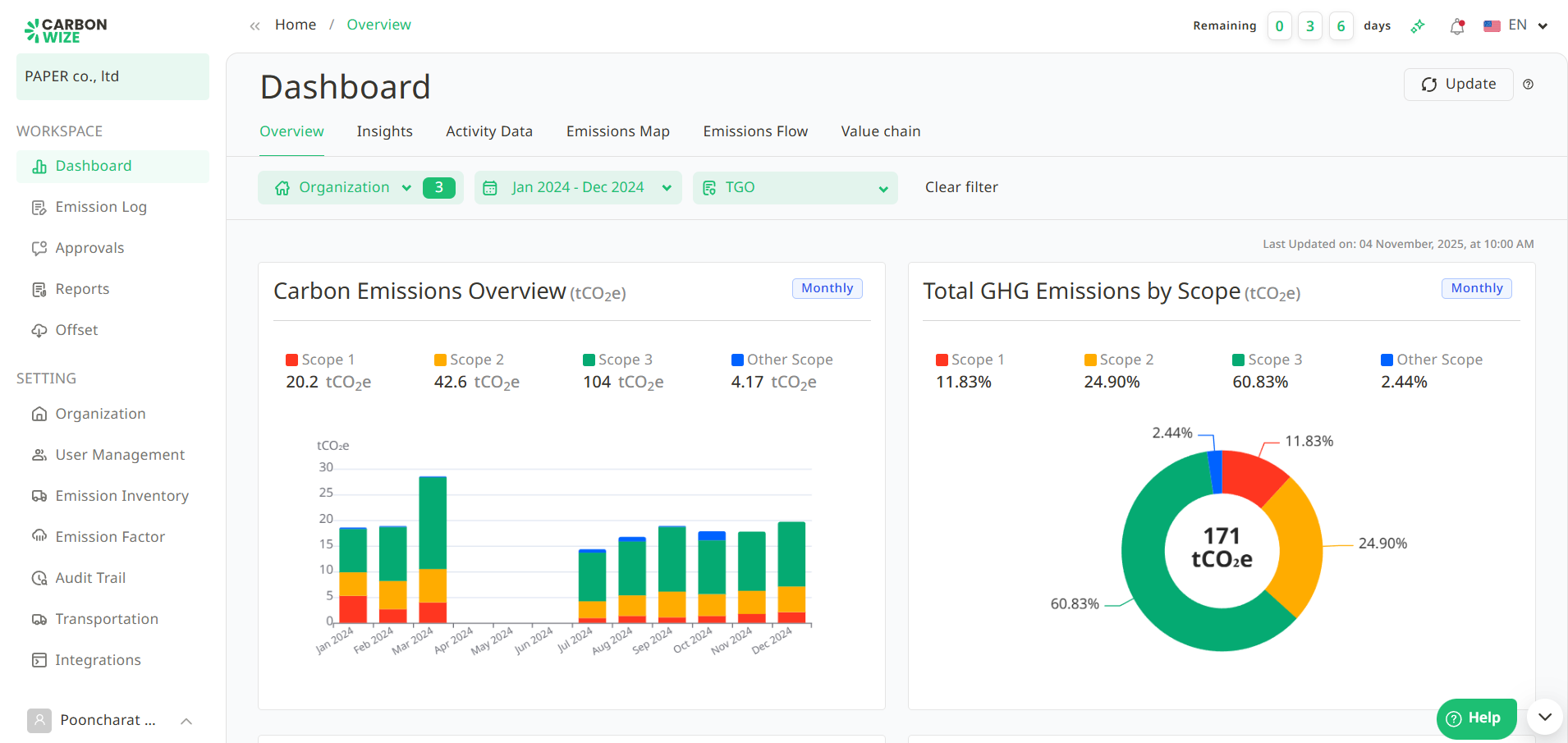
The system will direct users to the Carbonwize platform.
Was this article helpful?
That’s Great!
Thank you for your feedback
Sorry! We couldn't be helpful
Thank you for your feedback
Feedback sent
We appreciate your effort and will try to fix the article