Users can log in to the website https://www.carbonwize.io/ by following these steps:
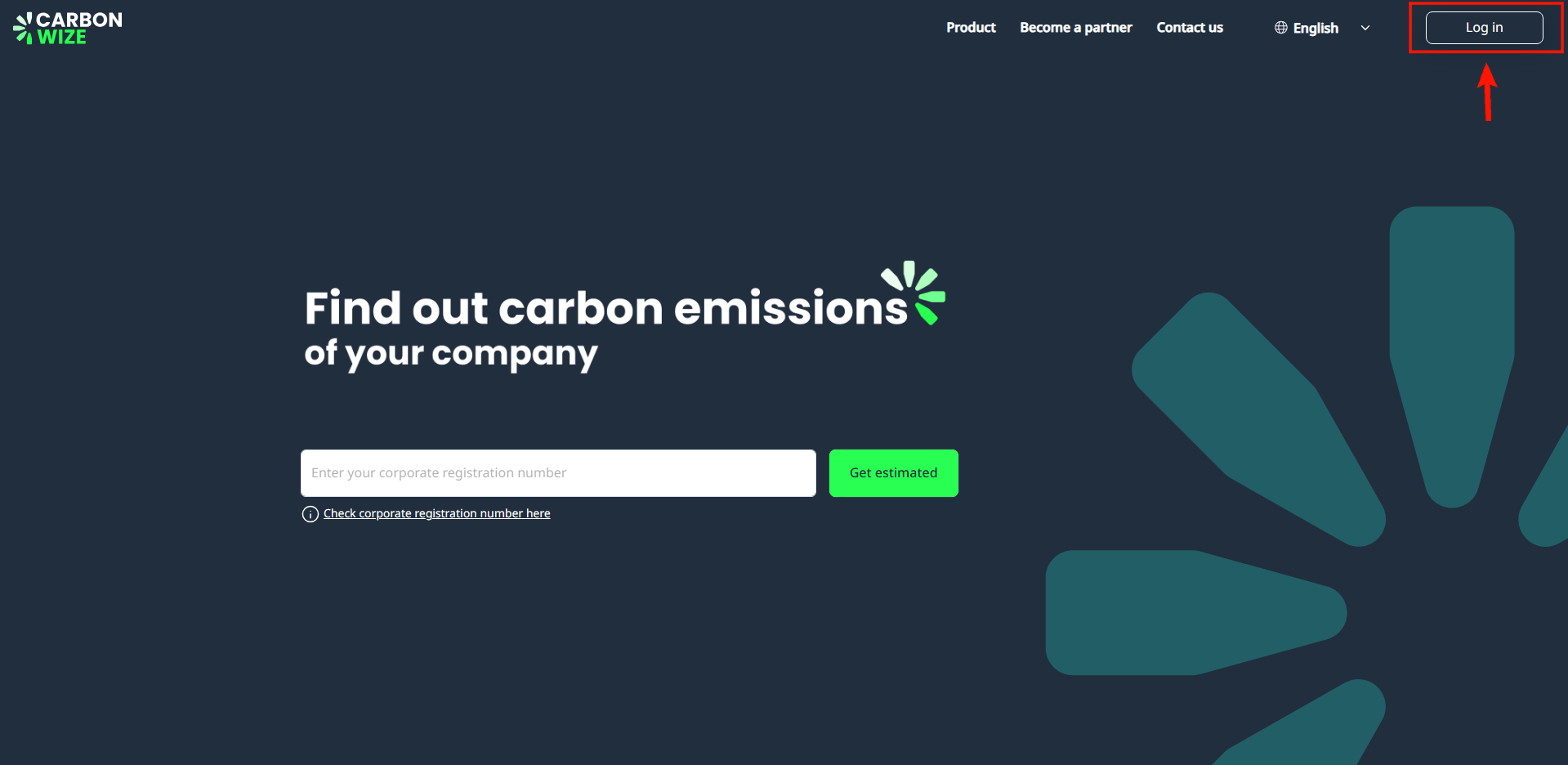
1. Click the Login button located in the top right corner of the website.
2. The Carbonwize login page will appear. Users enter email address and password.
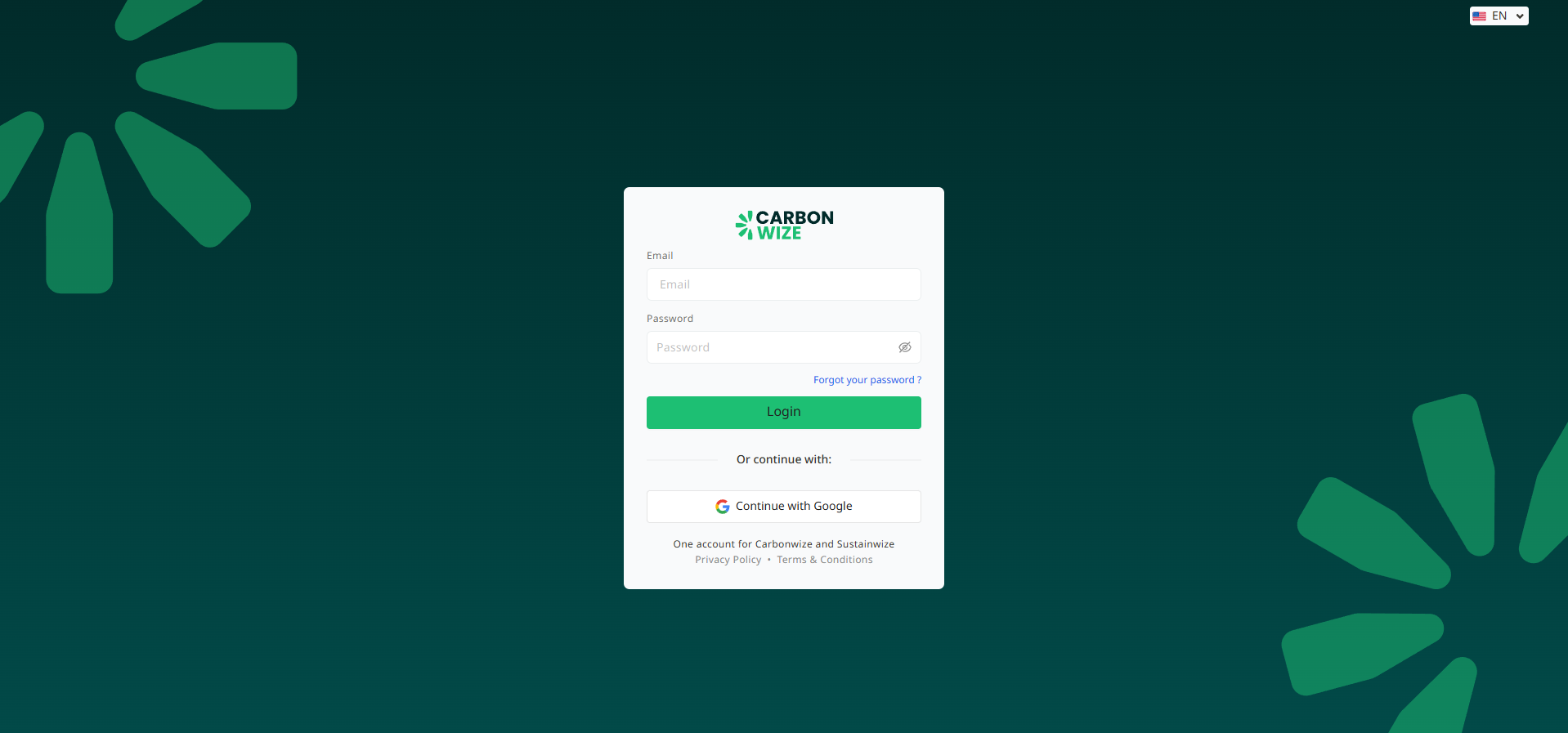
3. Click the Login button.
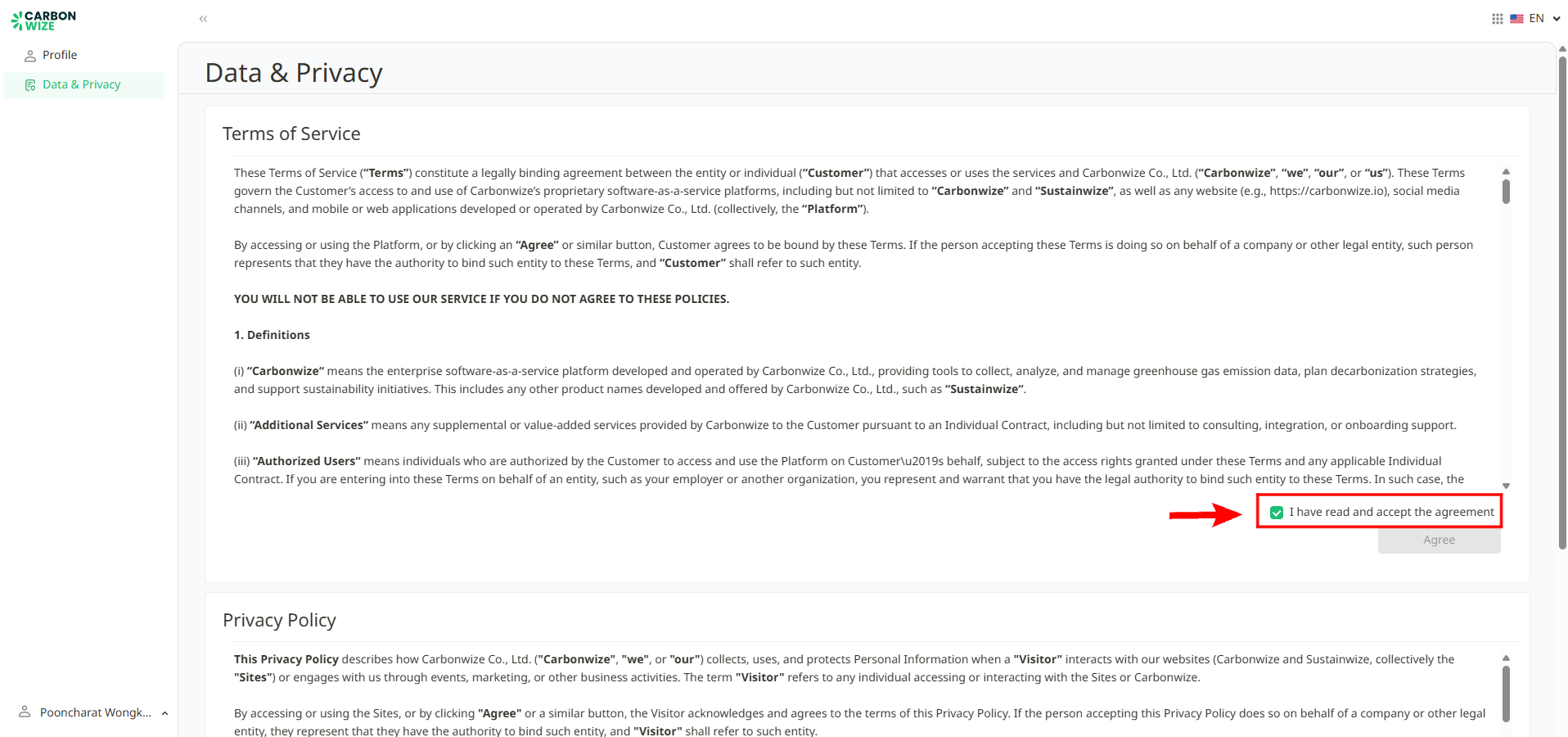
4. Once successfully logged in, the system will direct them to the profile page and the Terms of Use page will appear. Users must scroll down and read the entire content before they can click the "I have read and accepted the agreement" button.
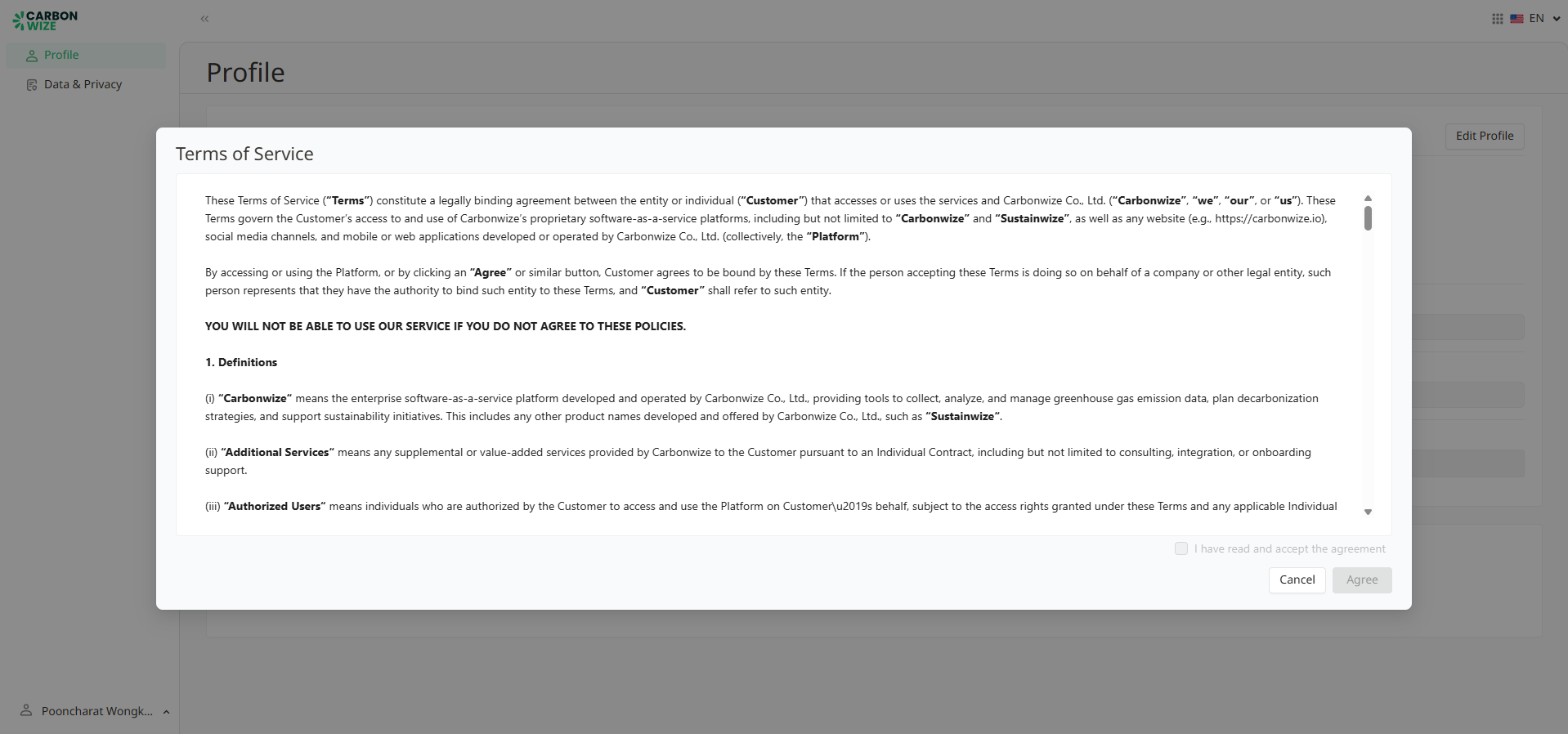
5. If a user does not agree with the Terms of Use, user will not be able to access the Carbonwize system, and the system will automatically log them out.
6. Alternatively, if a user has already accepted the Terms of Use but wishes to revoke user's acceptance, user can move their cursor to the user's name button in the bottom left corner. A drop-down menu will appear. Click on the Terms and Condition button.
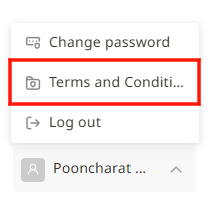
The system will direct them to the profile page and the Terms of Use window will then appear. Click the "I have read and accepted the agreement" button again to uncheck it, which will revoke your acceptance of the agreement.
Was this article helpful?
That’s Great!
Thank you for your feedback
Sorry! We couldn't be helpful
Thank you for your feedback
Feedback sent
We appreciate your effort and will try to fix the article