If user want to add an auditor to the system, user can do so as follows :
1. Go to the User Management page.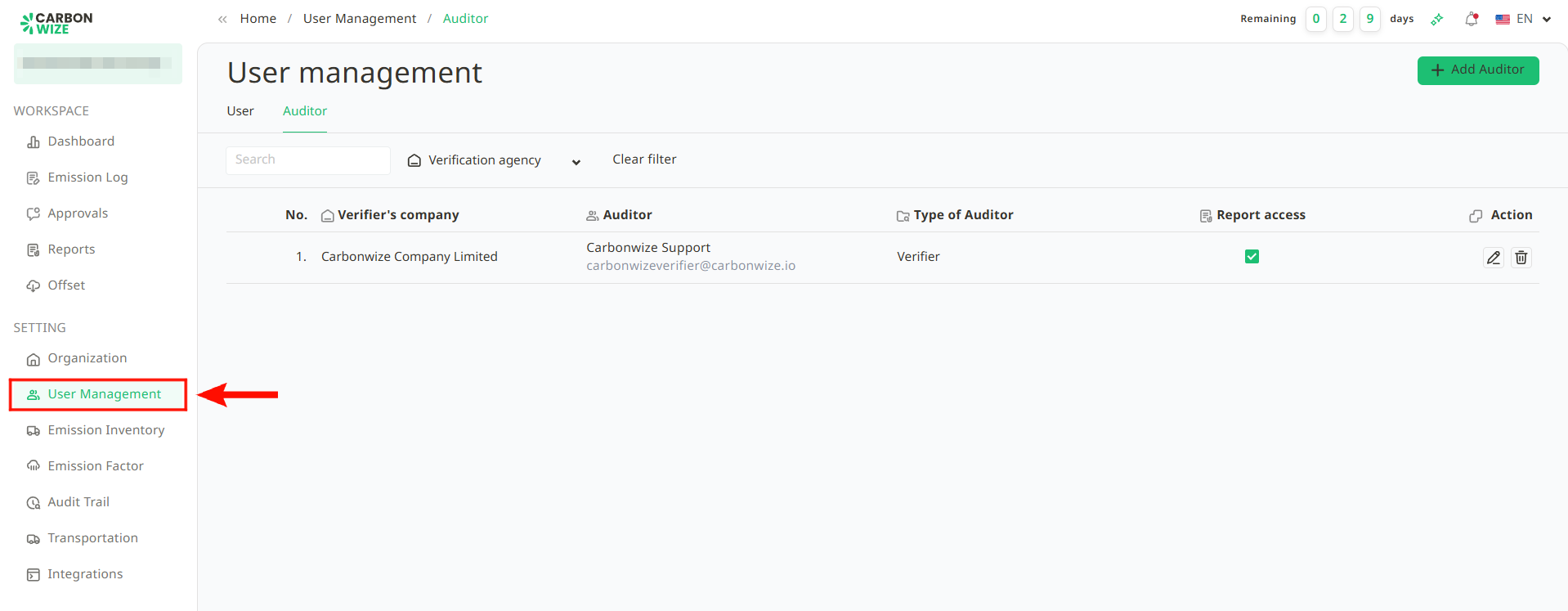
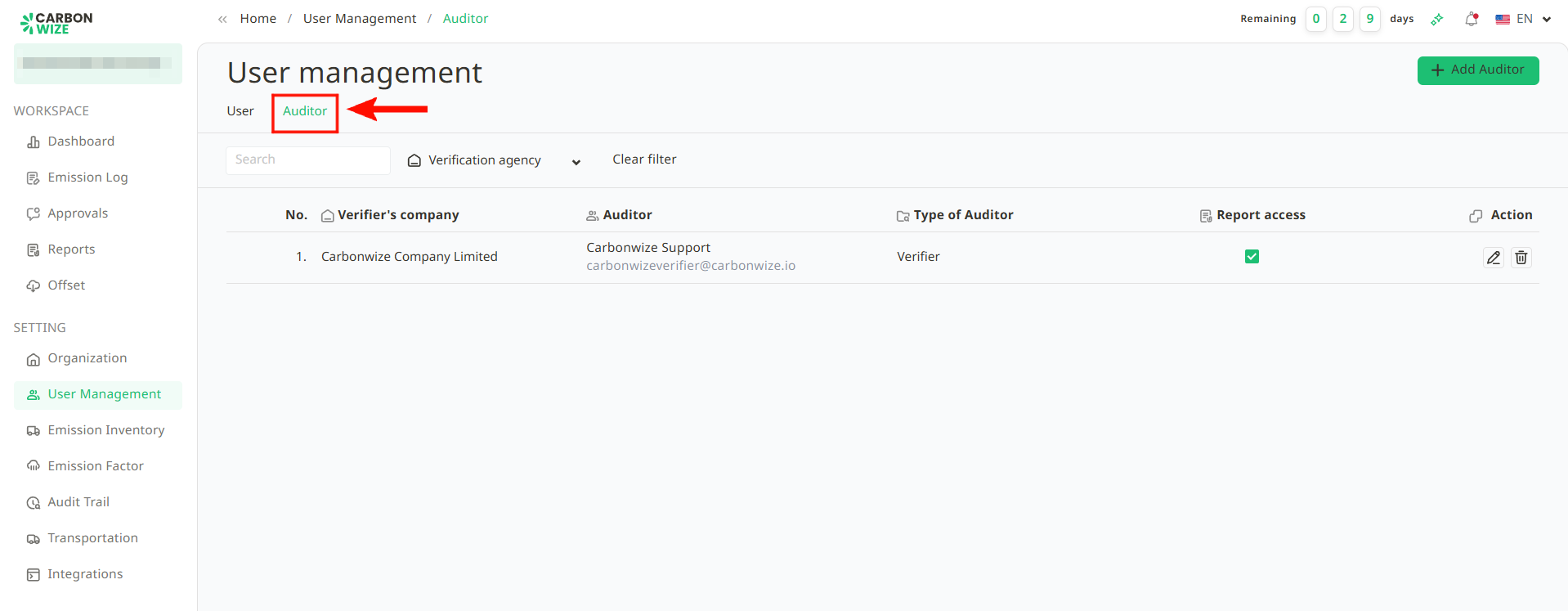
2. Go to the Auditor tab.
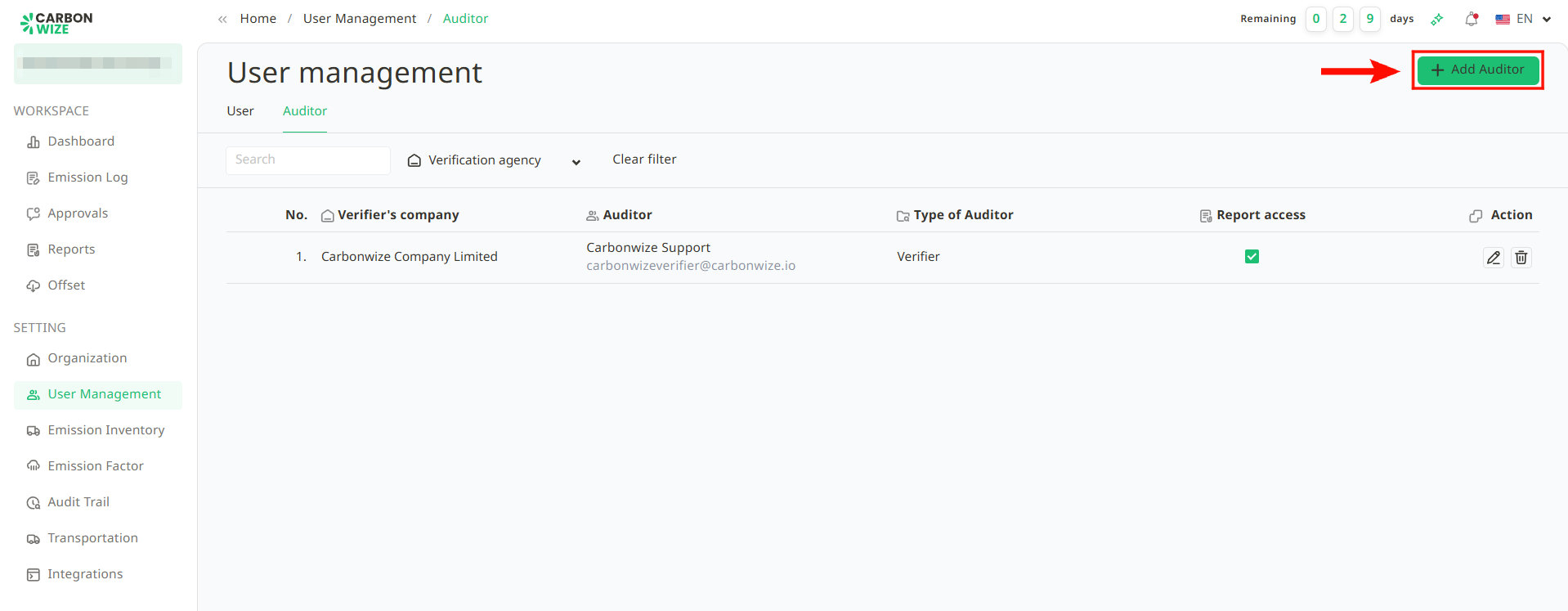
3. Click the + Add Auditor button.
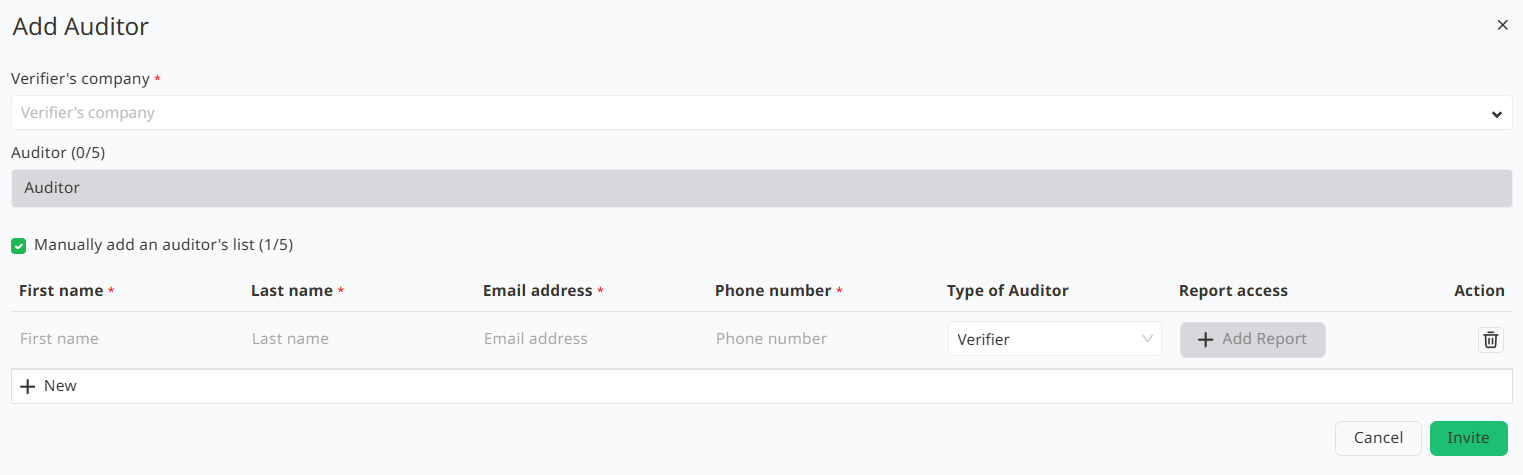
4. The add auditor details window will appear as follows :
4.1. Select the auditing company.
4.2. If there is a list of auditors, user can immediately select up to 5 auditors.
4.3. If there is no list of auditors, user can add auditor names manually (up to 5 auditors) :
- Enter First Name
- Enter Last Name
- Enter Email
- Enter Phone Number
5. Click the Invite button.
6. A window will appear. If users are adding a new member, the system will send a Temporary Password to the member via the email address used for registration.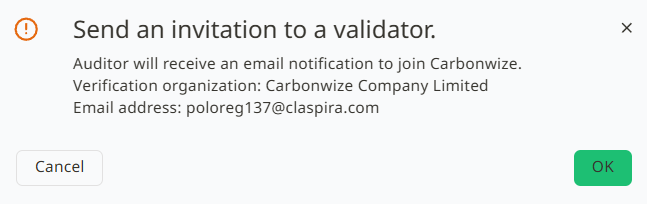
7. Click the OK button to confirm adding the member.
Was this article helpful?
That’s Great!
Thank you for your feedback
Sorry! We couldn't be helpful
Thank you for your feedback
Feedback sent
We appreciate your effort and will try to fix the article