In the event that a user forgets the login password, user can reset their password to access the system as follows:
1. Go to the Login page at https://app.carbonwize.io/
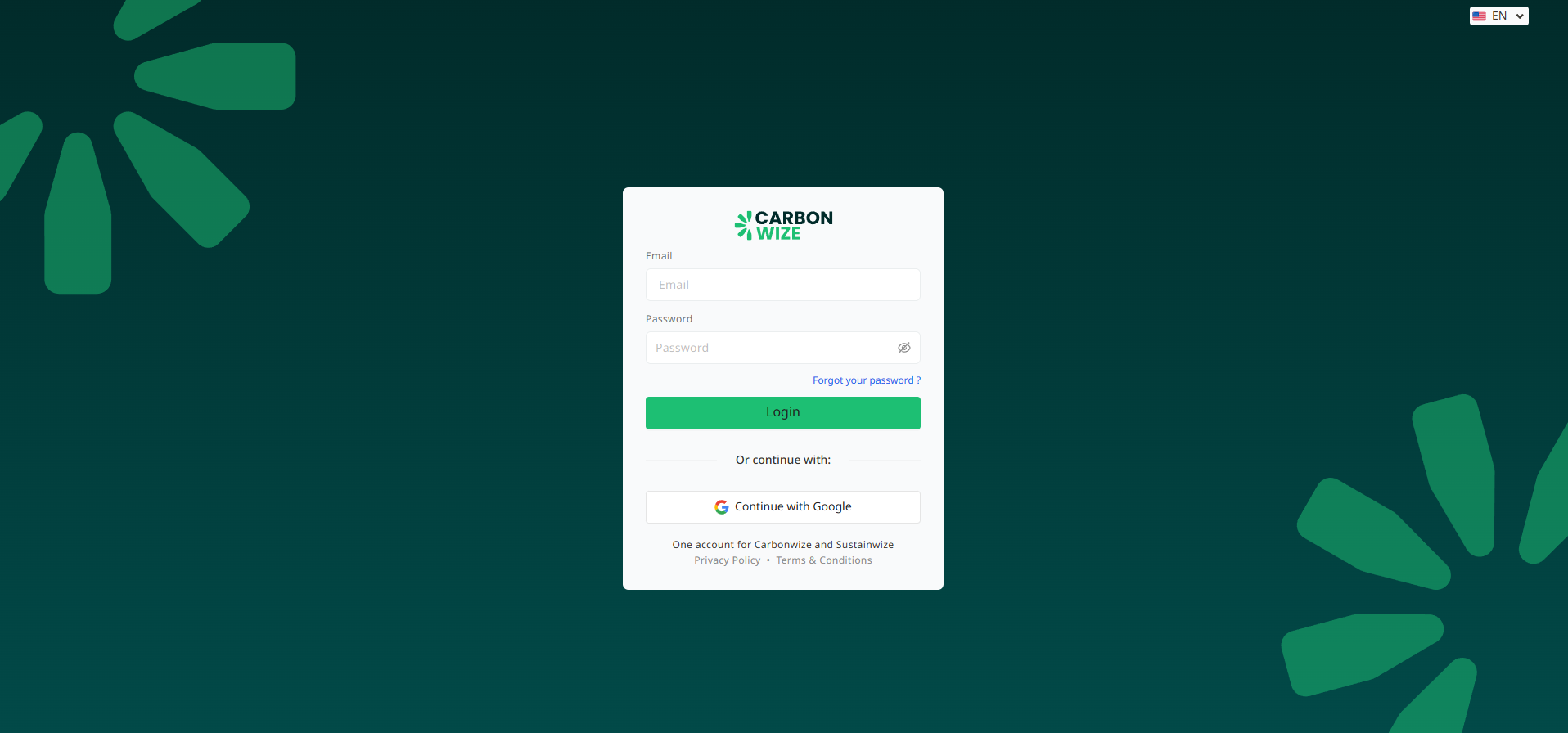
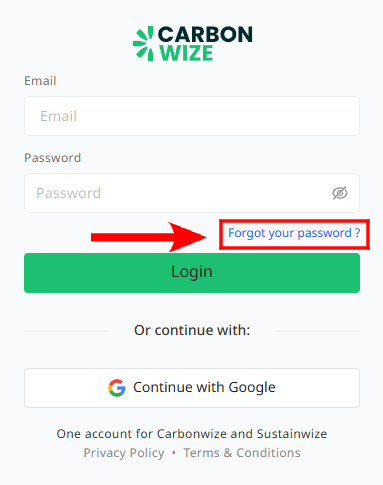
2. Click the Forget your password? Button.
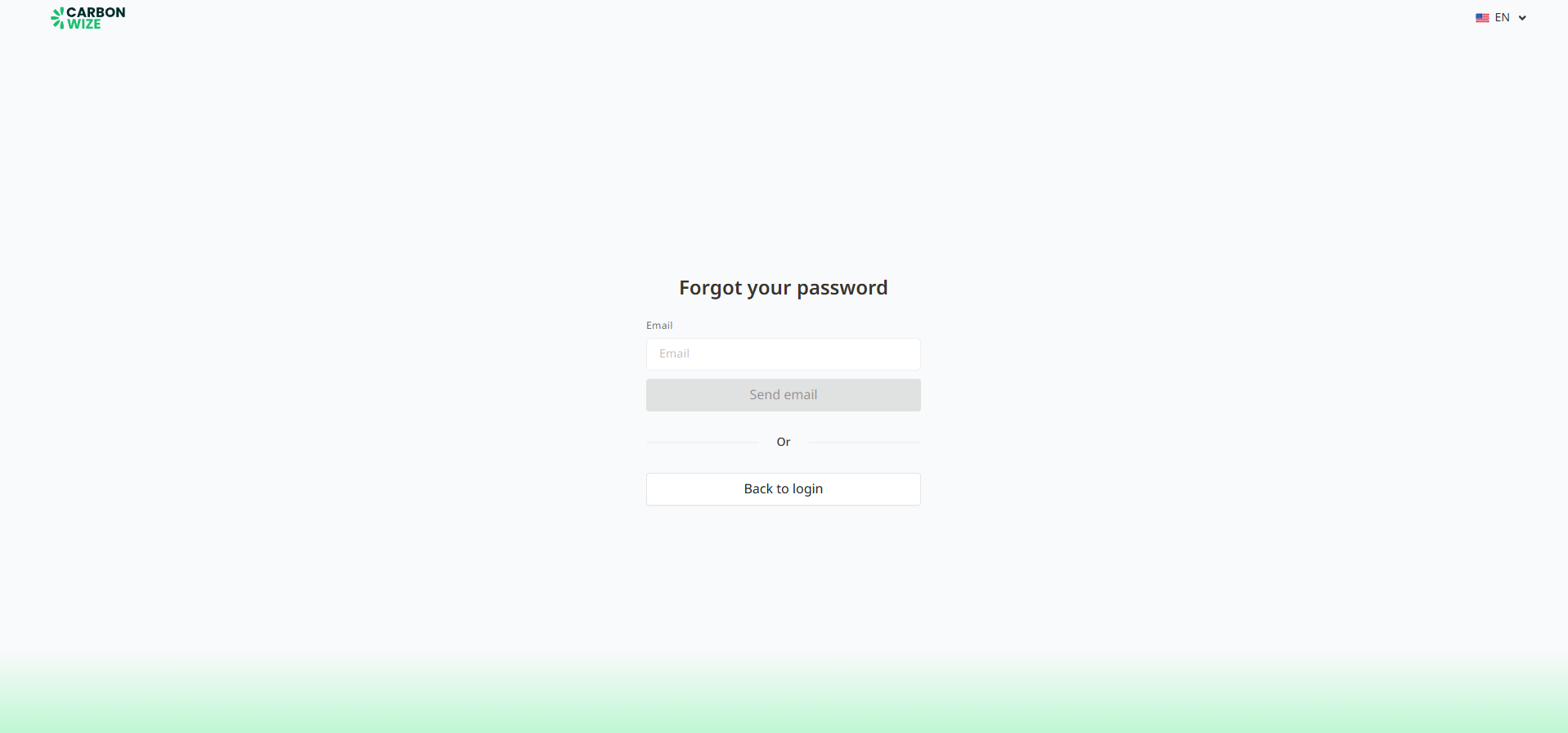
3. Enter the email address for which users have forgotten the password and click the Send Email button to send a password reset confirmation email.
4. Once the system has sent the email, an Email sent message will appear. If user has not received the email, user can click the Resend Email button to send the confirmation email again.
5. Check the email received from Carbonwize with the subject line Reset password.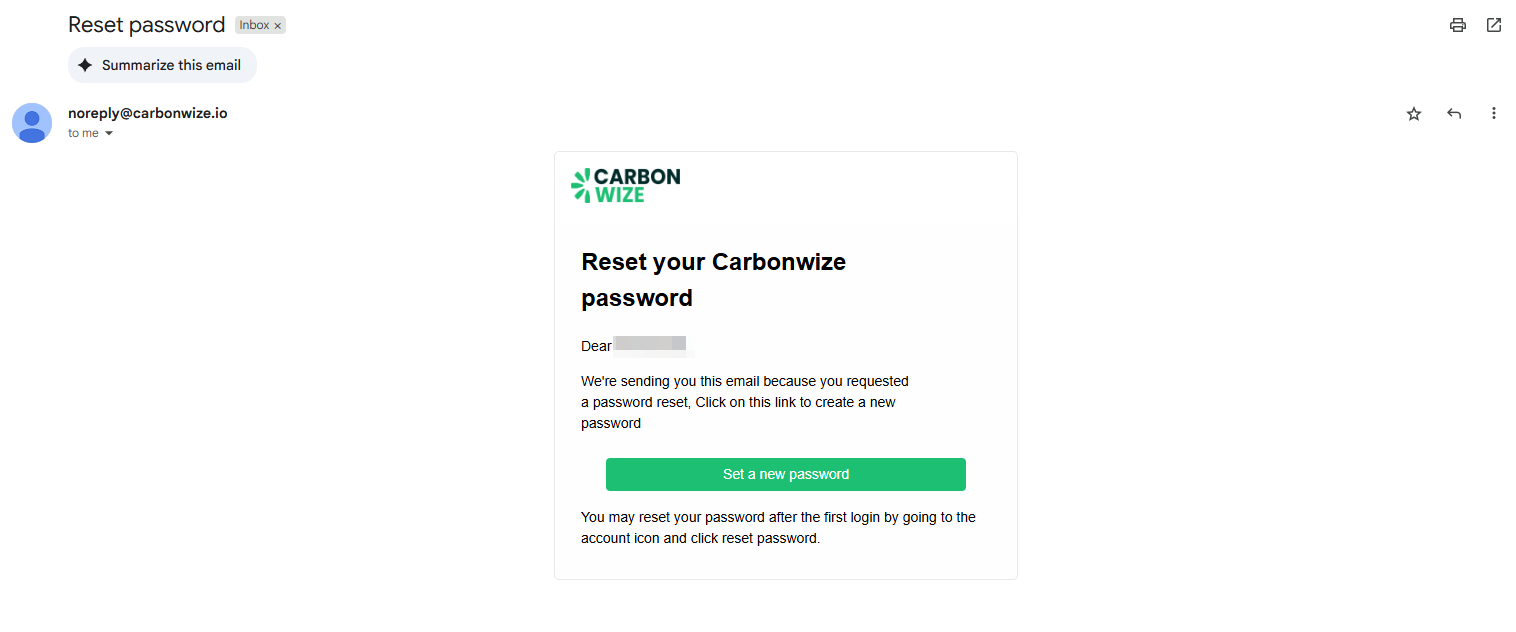
6. Click the Set a new password button to confirm that user want to set a new password.
7. The system will redirect the user to the password reset page.
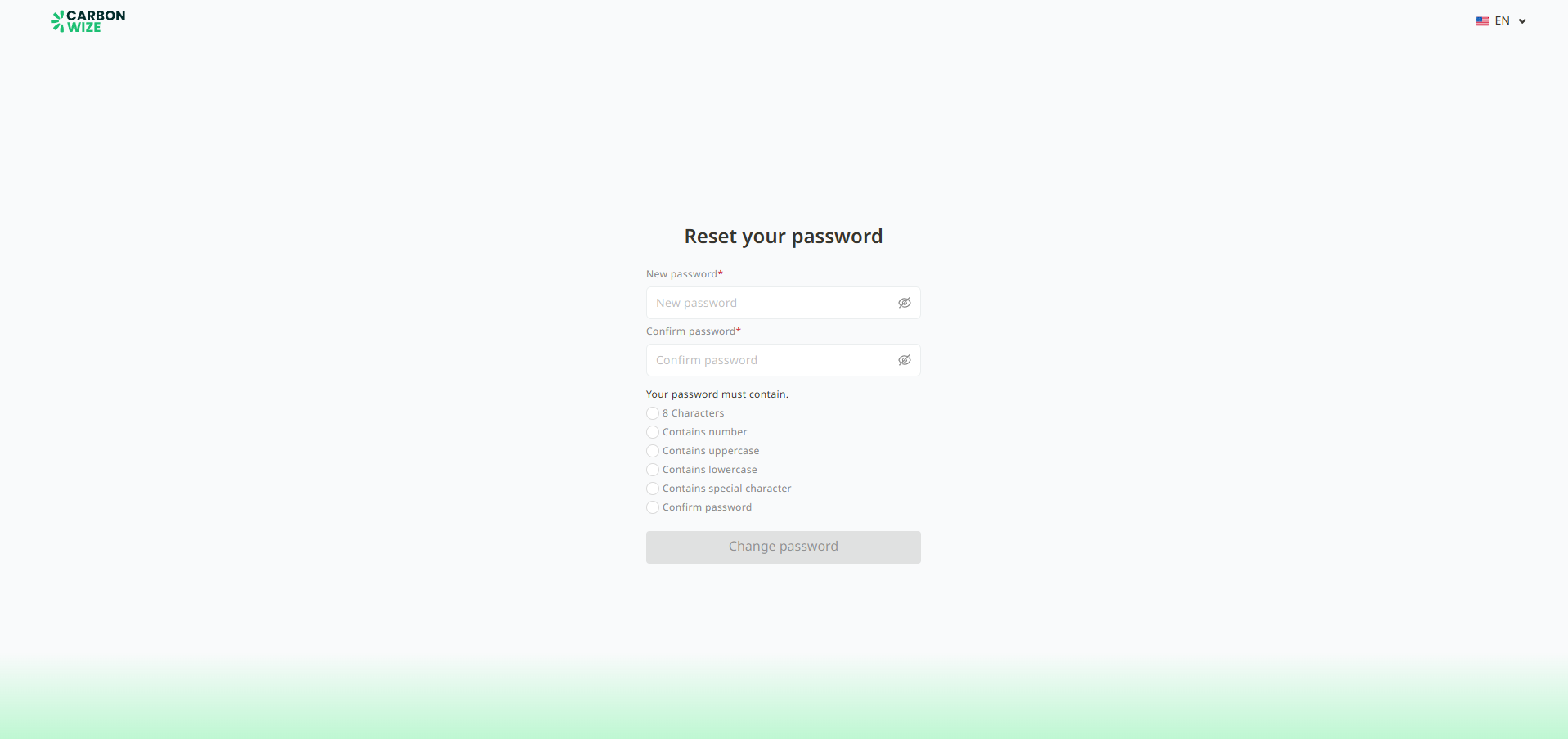
8. Enter a new password and confirm the new password.
9. Click the Cha Password button.
10. The system will redirect the user to the login page. Log in again by using the new password.
Was this article helpful?
That’s Great!
Thank you for your feedback
Sorry! We couldn't be helpful
Thank you for your feedback
Feedback sent
We appreciate your effort and will try to fix the article