Displays total GHG emissions and value chain partners. This feature allows for systematic recording and tracking of carbon data across all value chain activities. It provides the lead organization with clear visibility into partner emissions to facilitate efficient analysis, planning, and carbon footprint management.
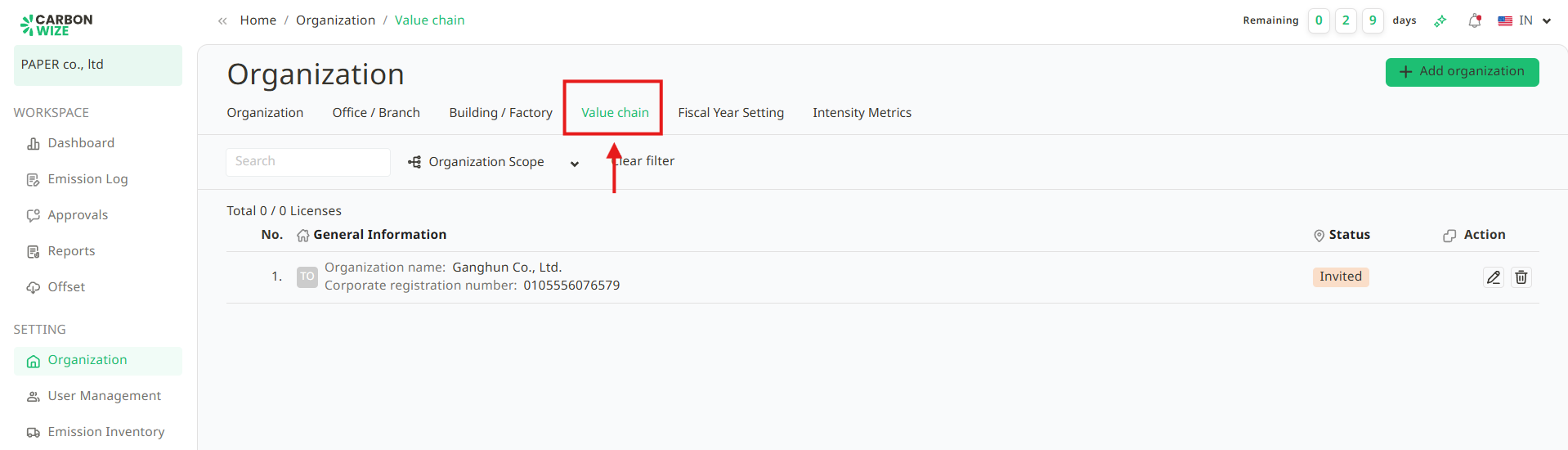
Users can add sub-organizations to monitor their carbon emission data by following these steps :
1. Click the Add Organization button.
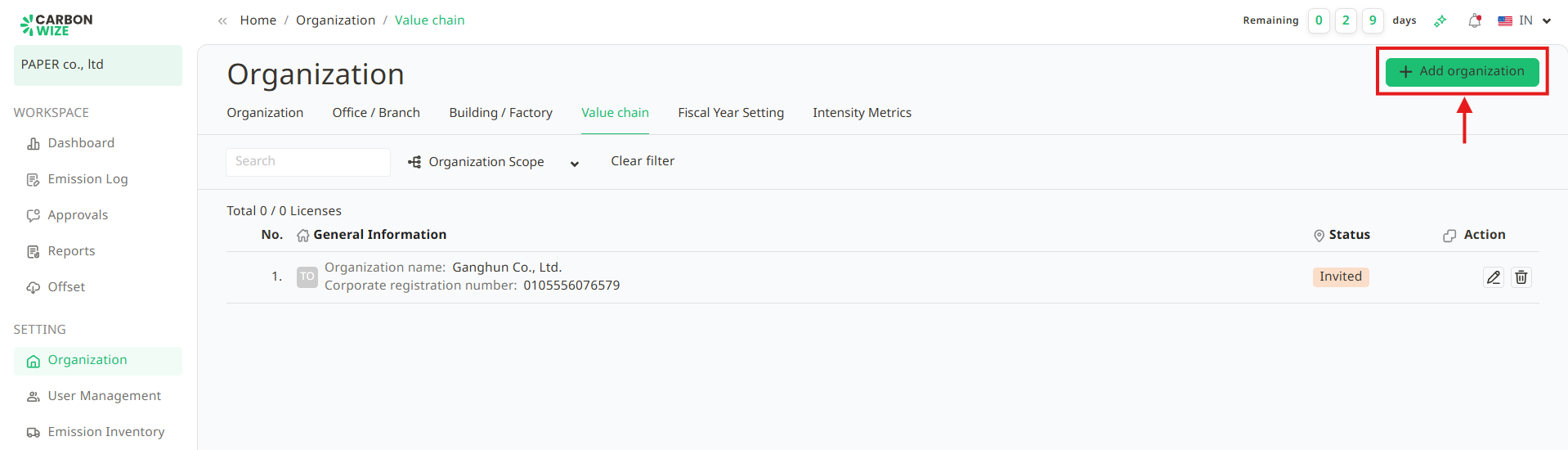
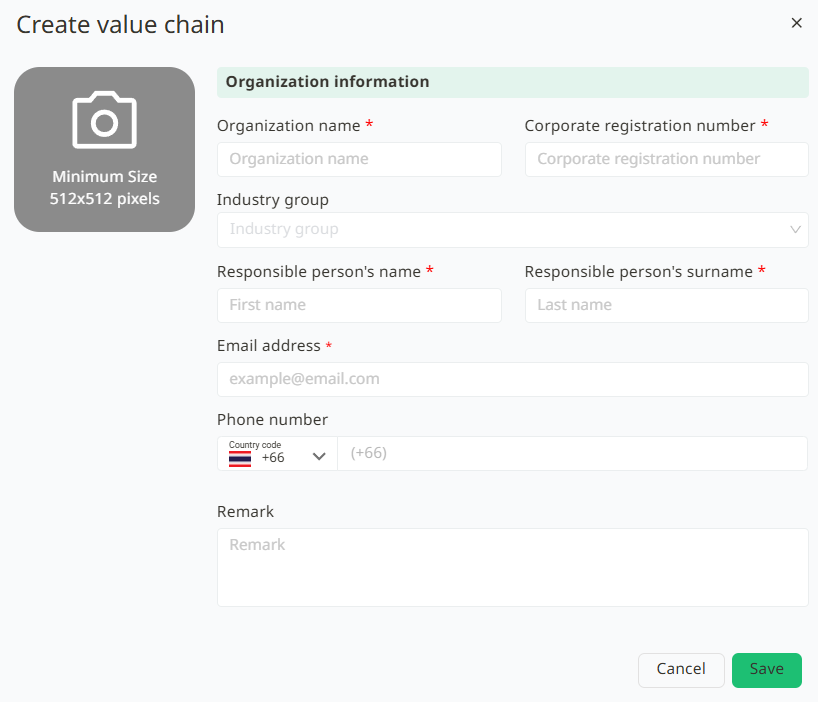
2. A Create Value Chain window will appear. Complete all required fields and click Save.
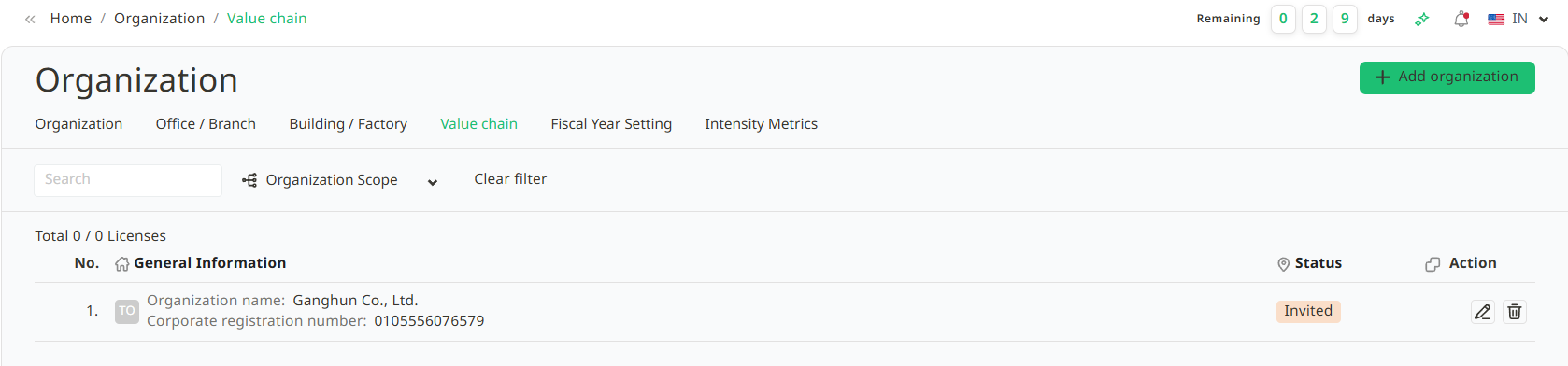
3. The organization name will appear in user's value chain list with the status Invited. The invited user will receive an email notification with the subject “You’ve got invited.” User can then use the temporary password provided in the email to log in for the first time.
Was this article helpful?
That’s Great!
Thank you for your feedback
Sorry! We couldn't be helpful
Thank you for your feedback
Feedback sent
We appreciate your effort and will try to fix the article