Users can change the start and end months of the fiscal year to align with the users organization's fiscal year. Users can edit the fiscal year as follows :
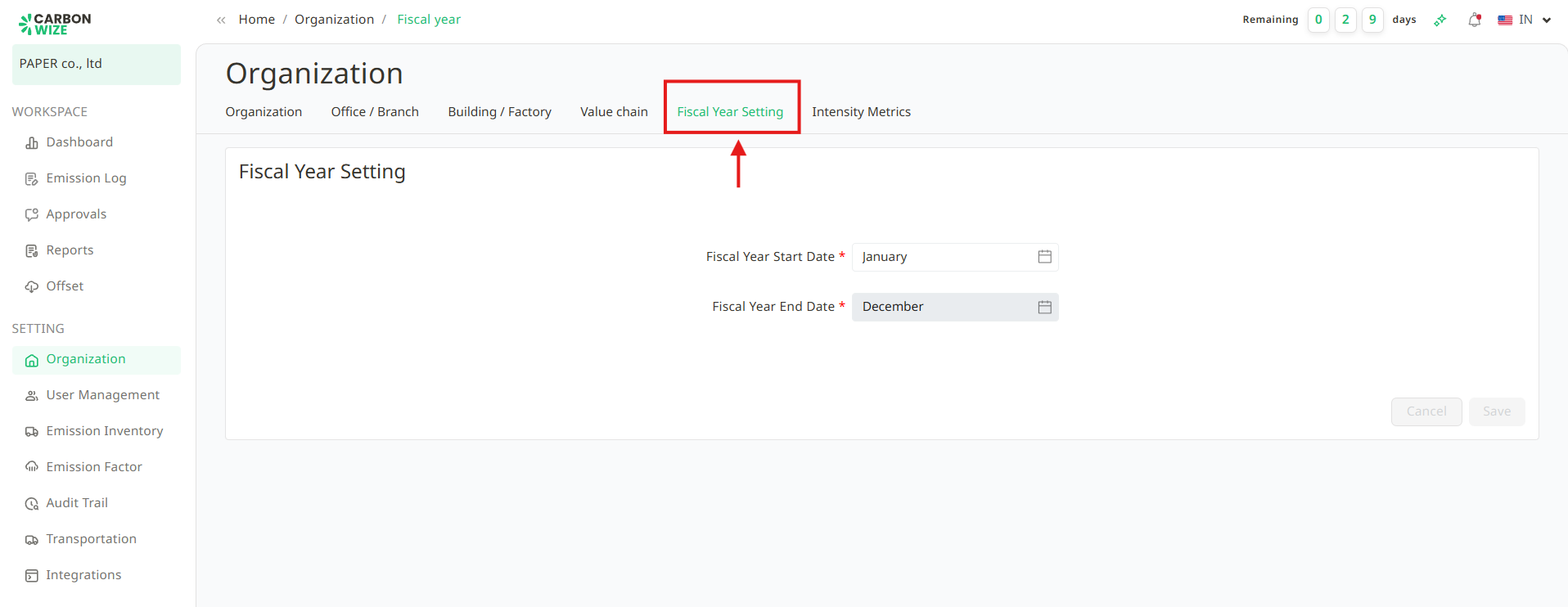
1. Go to Organization menu and Fiscal Year Setting tab.
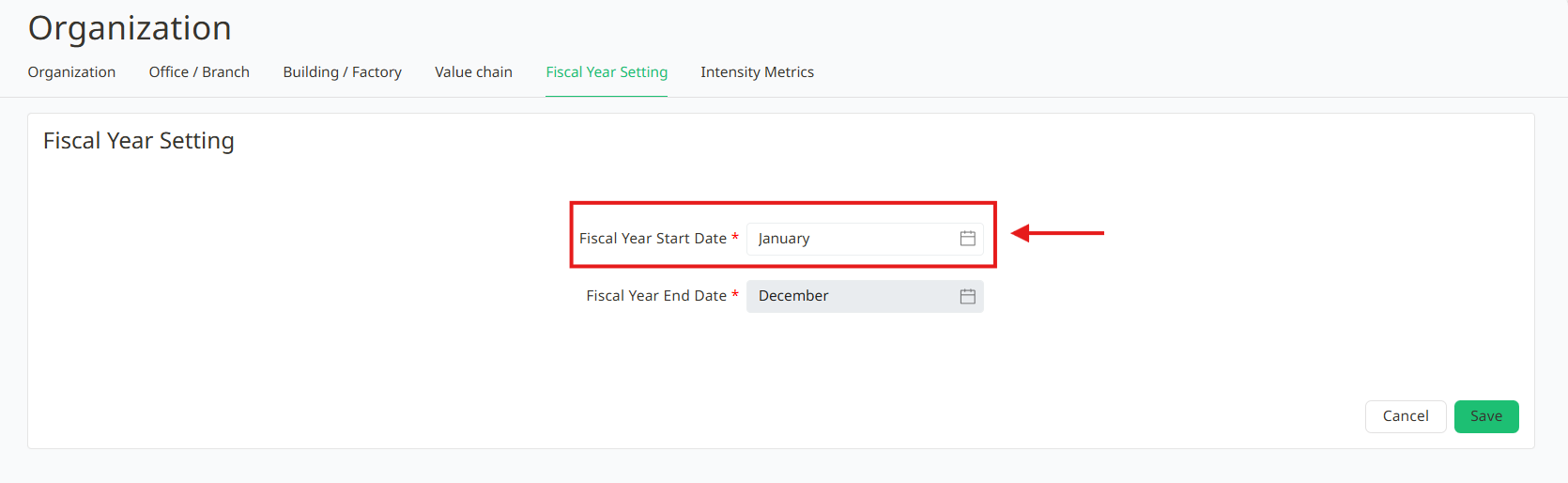
2. Select the Fiscal year start date.
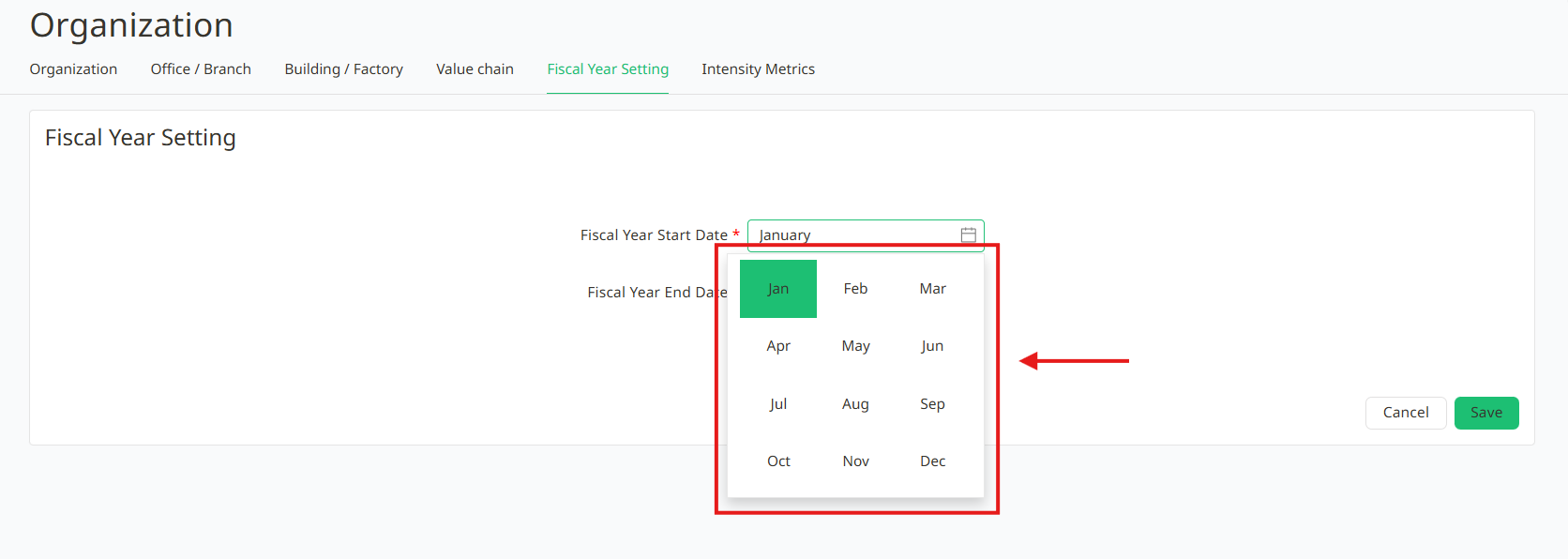
3. Choose the start month for the fiscal year.
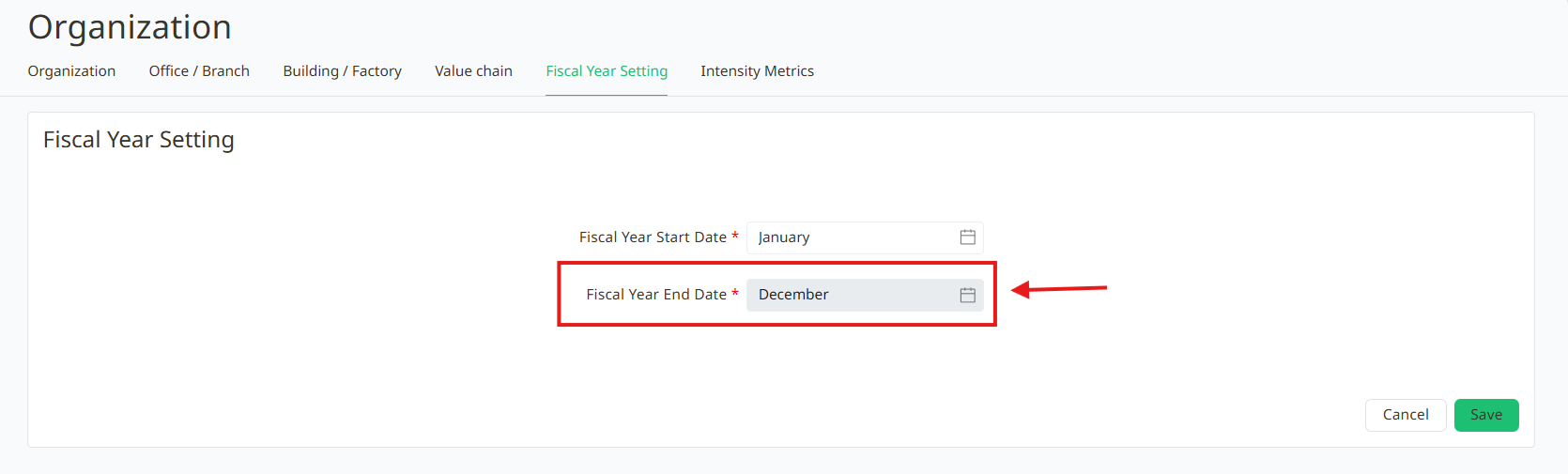
4. The month for the fiscal year end will automatically be set as the 12th month from the fiscal year start month user select.
5. Click the Save button.
Was this article helpful?
That’s Great!
Thank you for your feedback
Sorry! We couldn't be helpful
Thank you for your feedback
Feedback sent
We appreciate your effort and will try to fix the article