The Offset menu allows user to enter project details for user's organization's carbon offsetting. User can create a new offset project by following these steps:
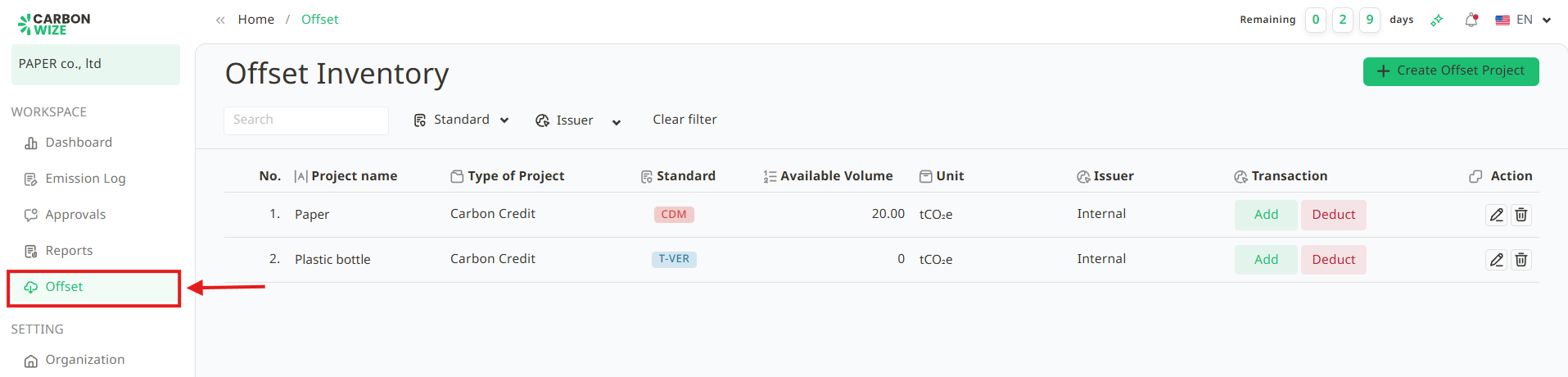
1. Go to the Offset page.
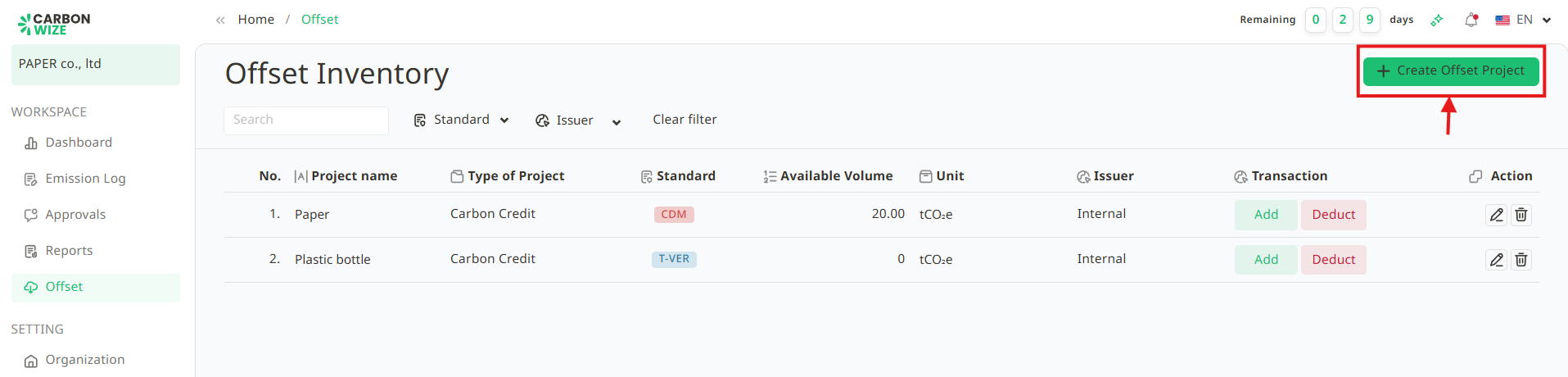
2. Click the + Create Offset Project.
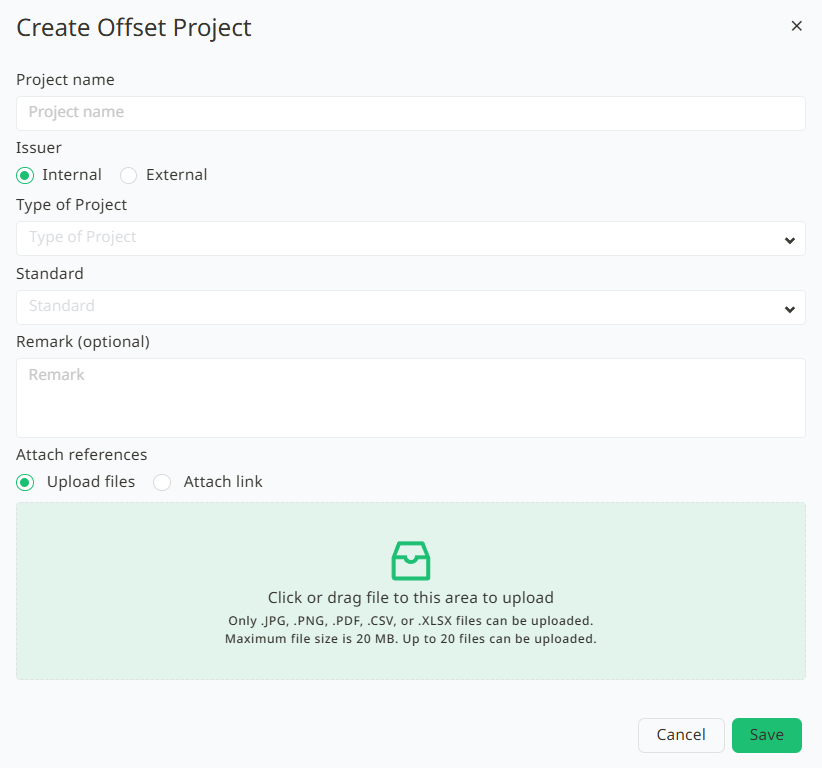
3. Fill in all the required information:
3.1. Project Name
3.2. Issuer
3.3. Project Type: This is divided into Carbon Credit and Renewable Energy Certificate.
3.4. Standard
3.5. Remark (Optional)
3.6. Attach references
4. Click the Save button.
5. Once saved, the project user's created will appear.
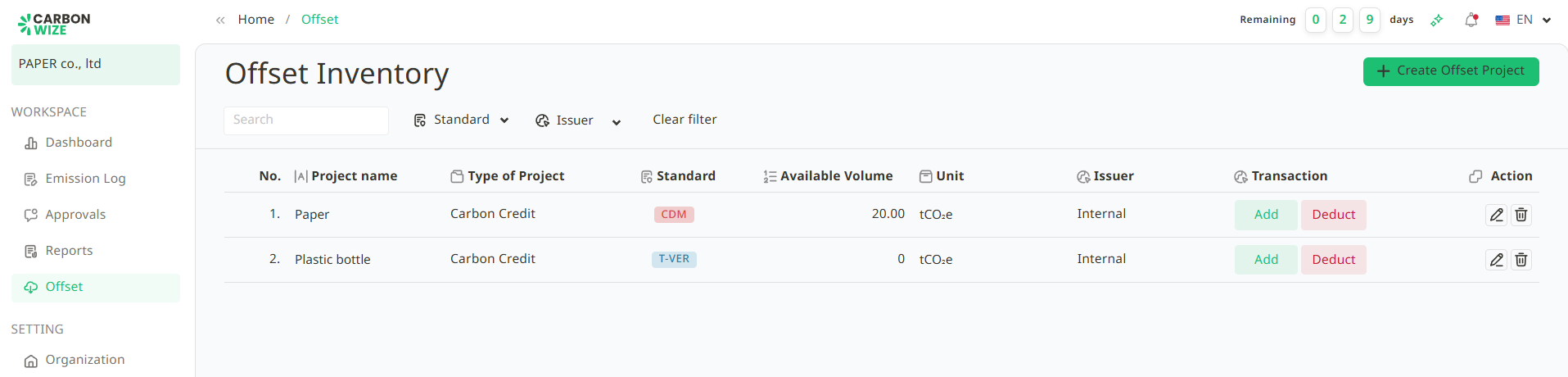
6. User can add available carbon offset volume or deduct used carbon offset volume.
Was this article helpful?
That’s Great!
Thank you for your feedback
Sorry! We couldn't be helpful
Thank you for your feedback
Feedback sent
We appreciate your effort and will try to fix the article