If users want to edit the name of an emission Inventory that was created, user can do as follows :
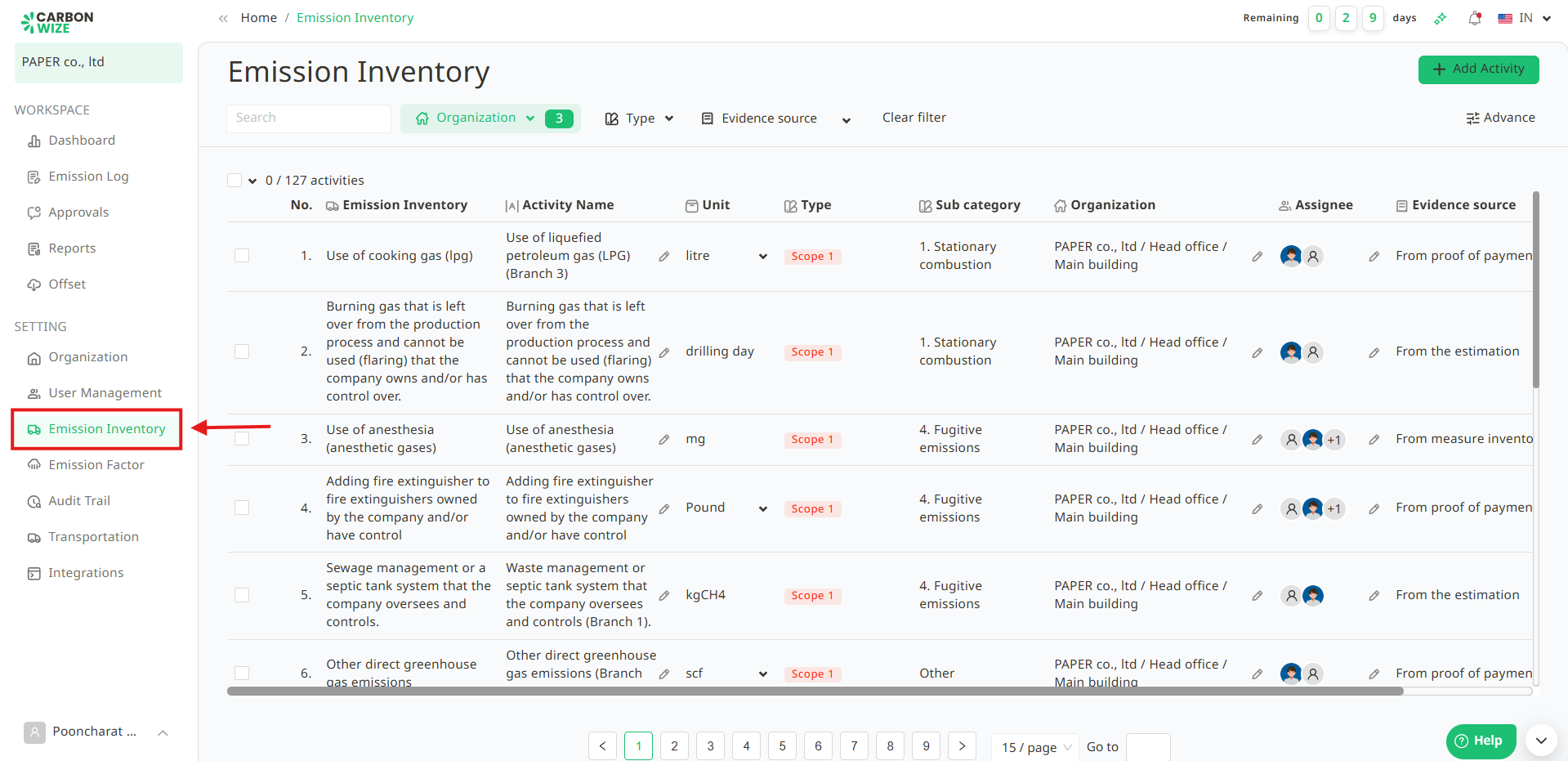
1. Go to Emission Inventory menu.
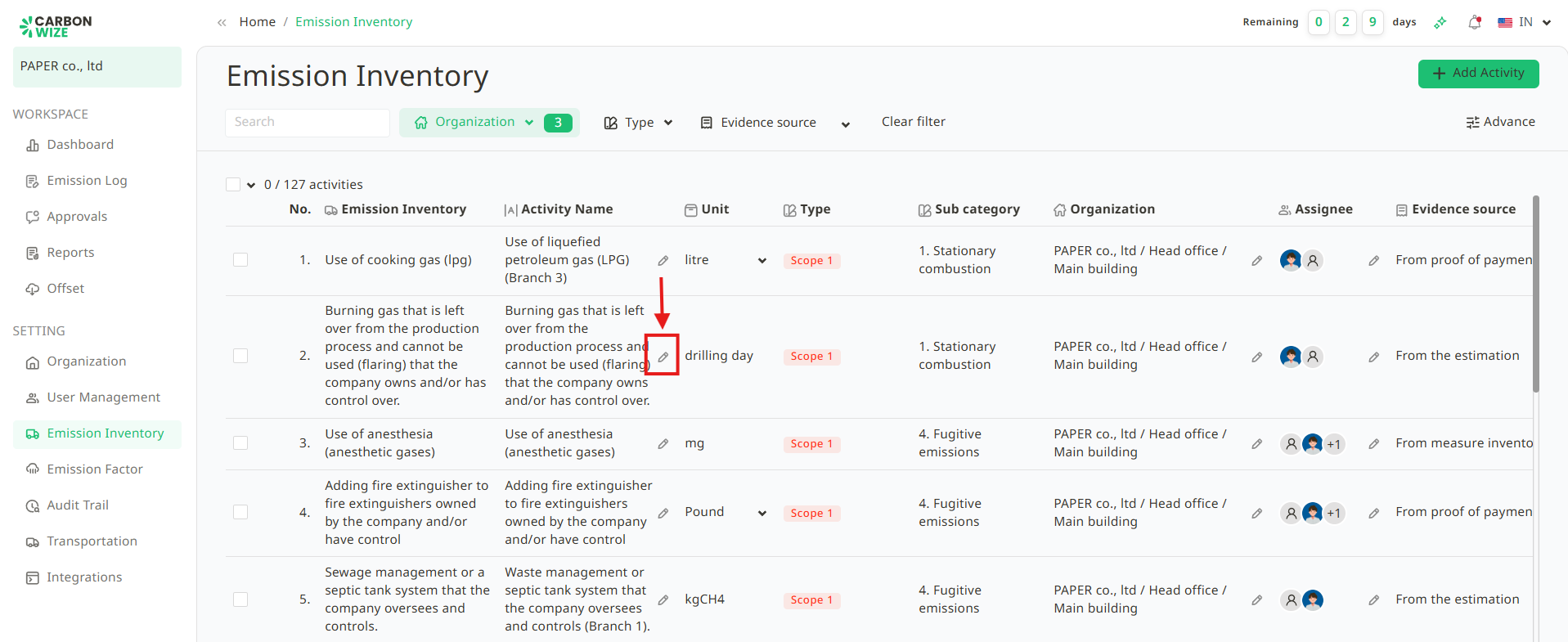
2. Click the pencil icon in the field of the Emission Inventory which users want to edit.
3. Editing the emission Inventory name as the user wants.
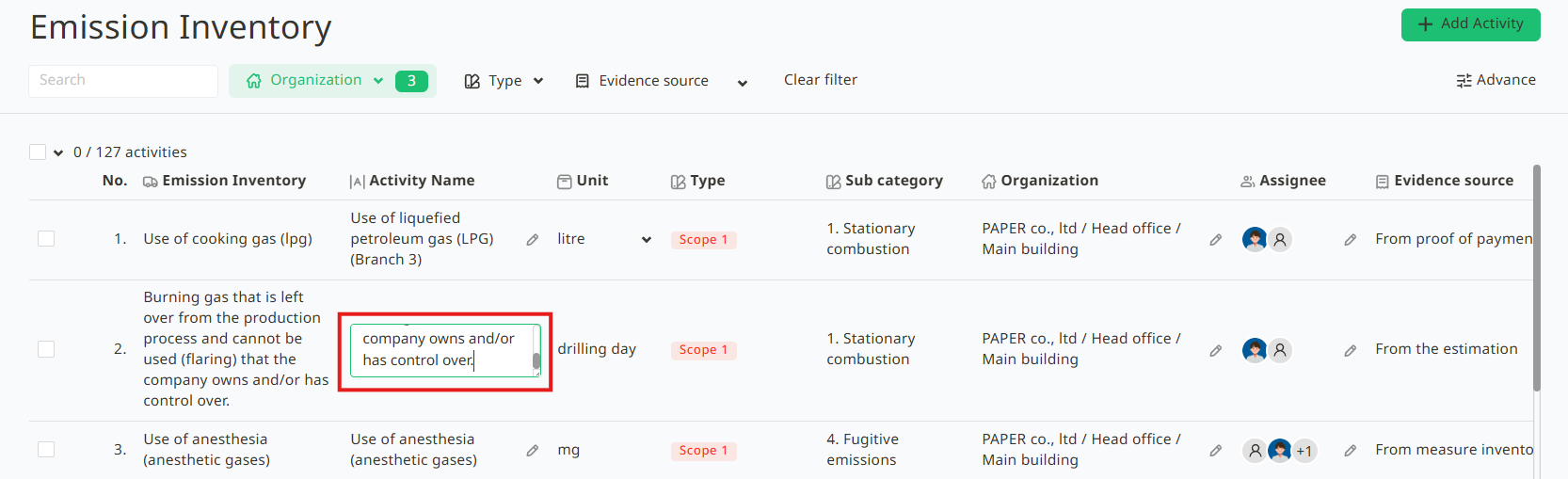
4. Click anywhere outside the Emission Inventory name field. The system will automatically save the changes.
Was this article helpful?
That’s Great!
Thank you for your feedback
Sorry! We couldn't be helpful
Thank you for your feedback
Feedback sent
We appreciate your effort and will try to fix the article