If user wants to edit data for multiple items at once. Which includes copying, deleting, and changing the organization, user can do so for several items simultaneously by following these steps:
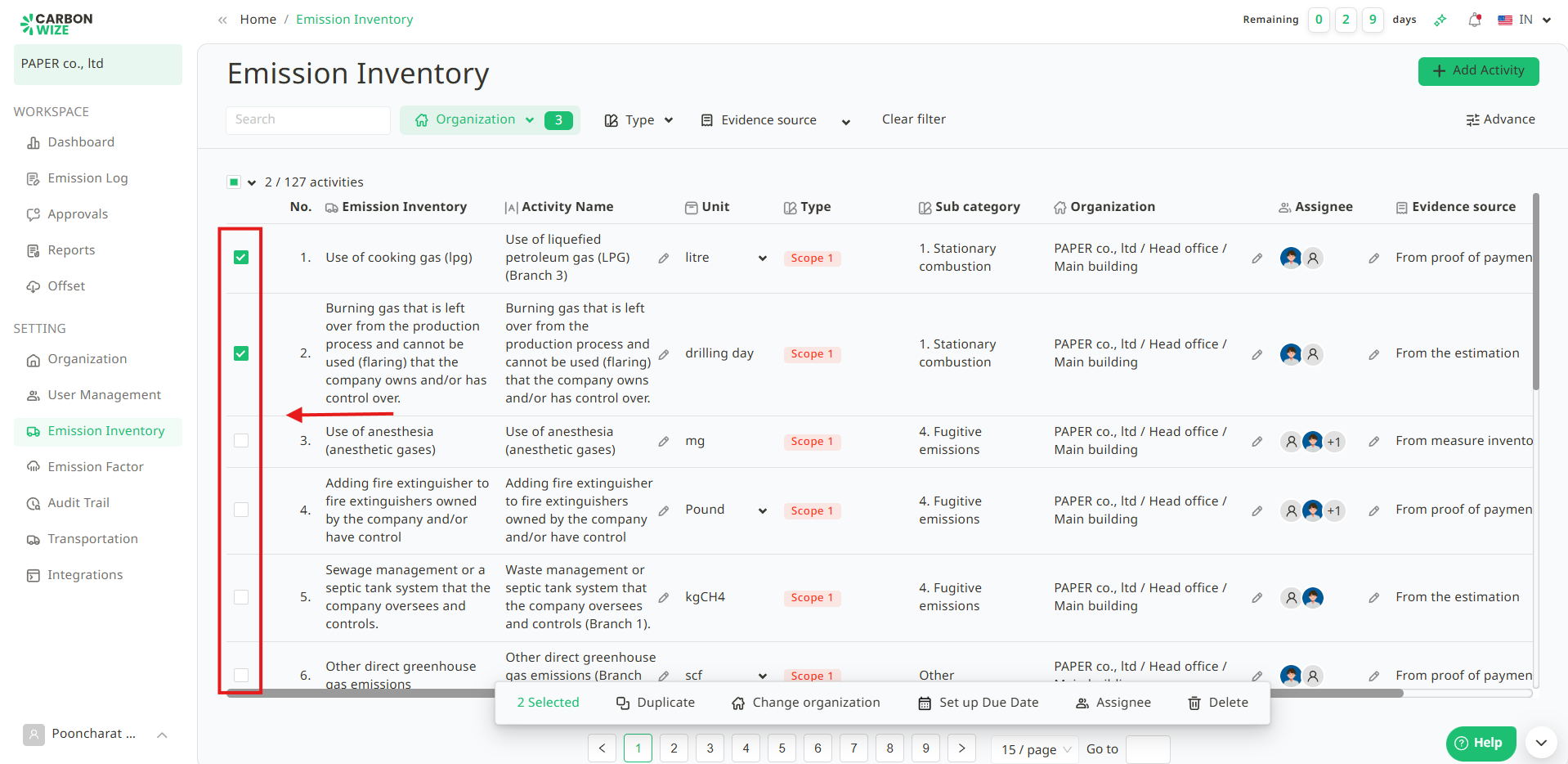
1. Select the activity items user wants to edit by clicking the checkbox in front of the appropriate items.
- Green box with a checkmark - Selected
- White box without a checkmark - Not selected
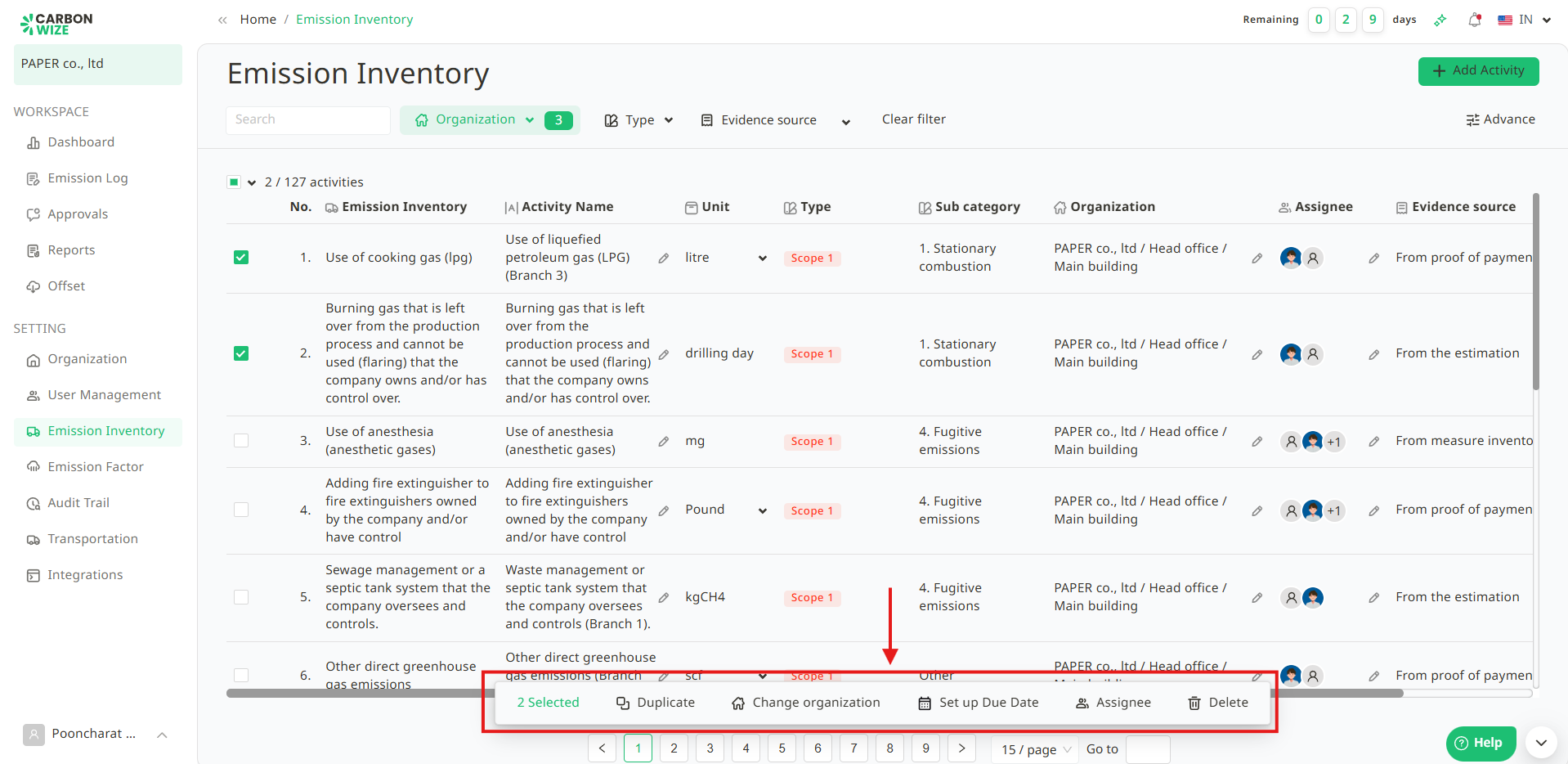
2. Users can then edit the selected activity items , including duplicate, change organization , set up due date, assignee and delete.
Was this article helpful?
That’s Great!
Thank you for your feedback
Sorry! We couldn't be helpful
Thank you for your feedback
Feedback sent
We appreciate your effort and will try to fix the article