If user want to edit a user's information, user can do so by following these steps:
1. Go to the User Management menu.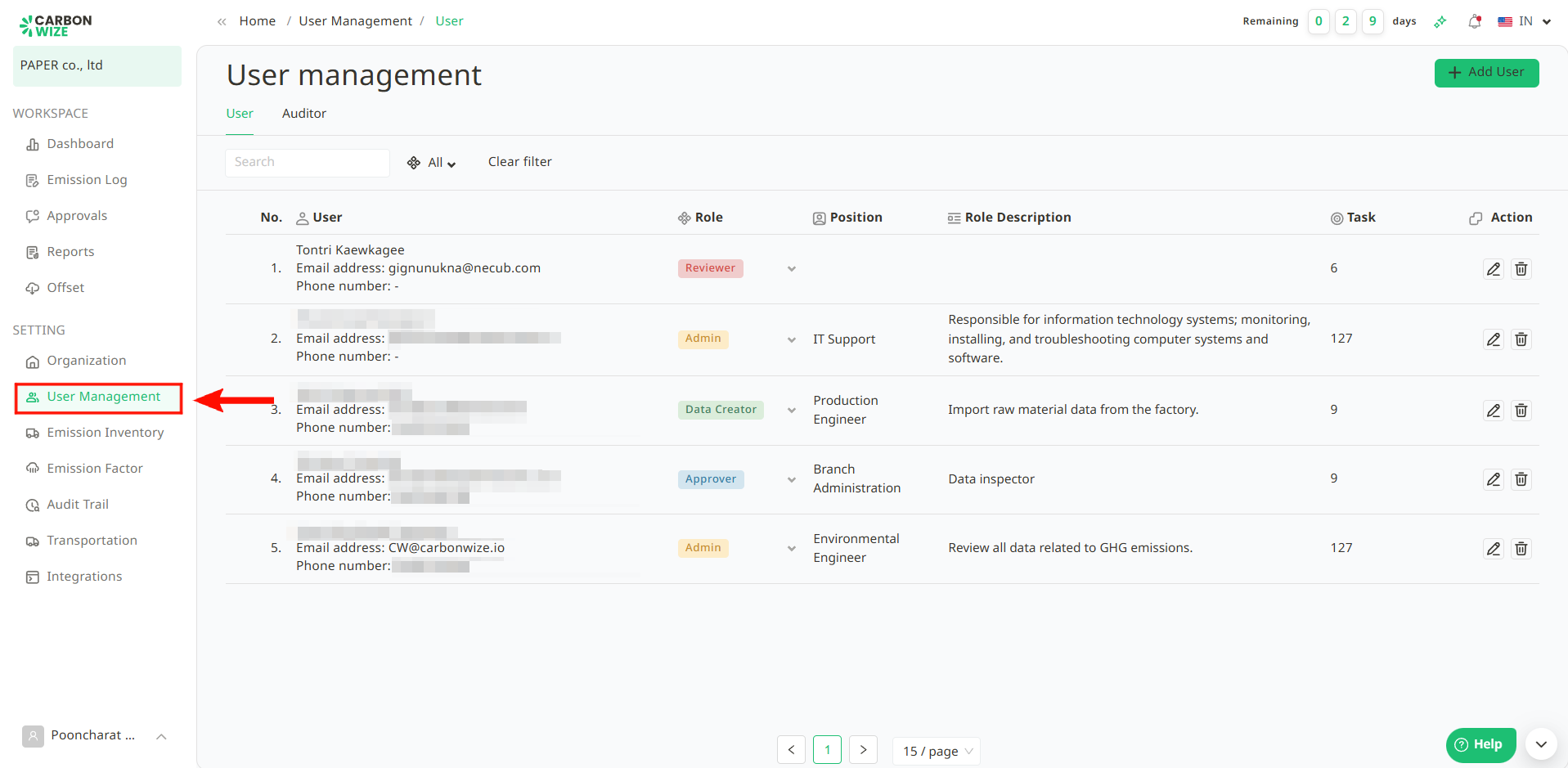
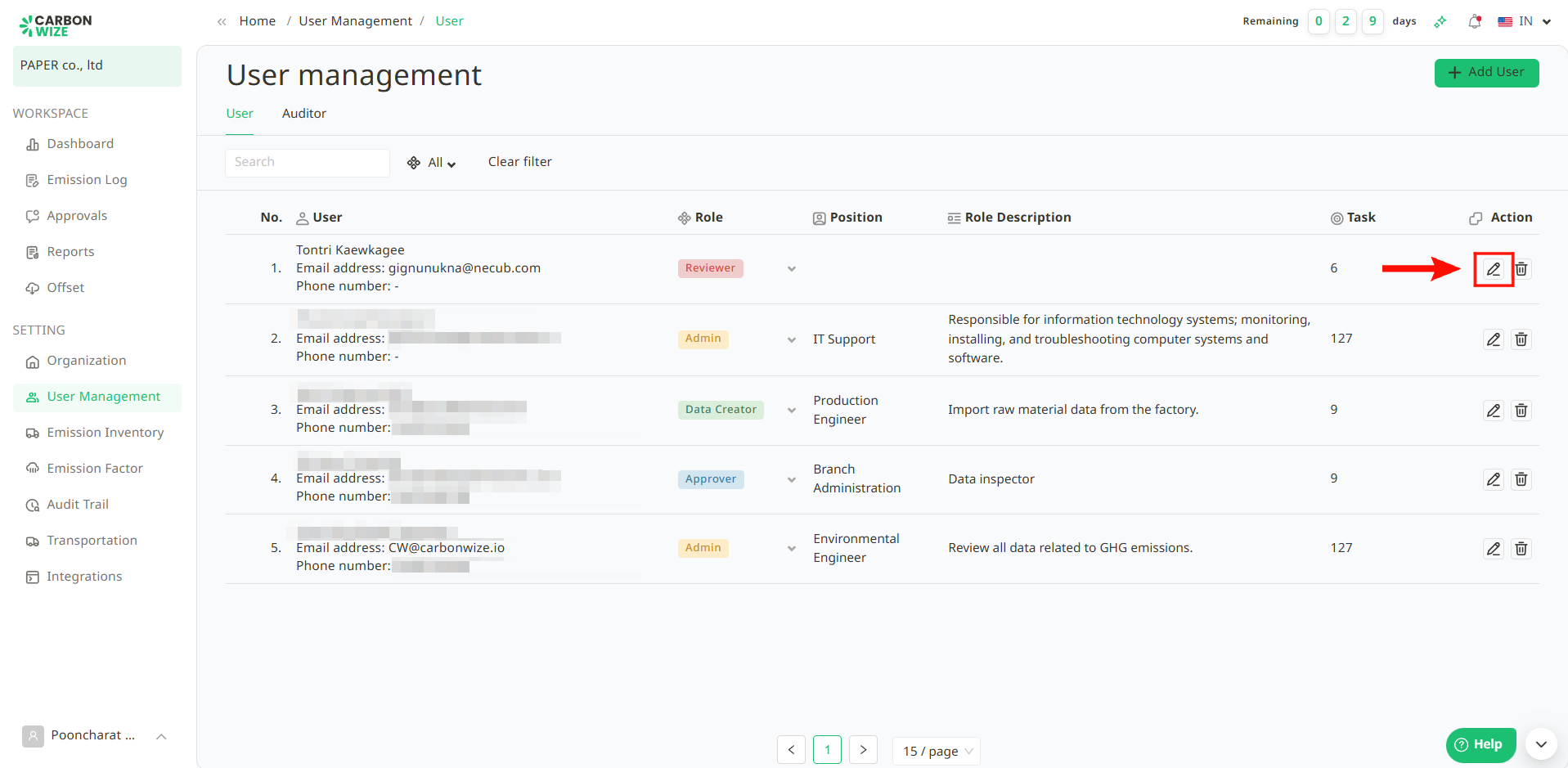
2. Click the pencil icon next to the user whose information you want to edit.
3. An edit information window will appear. Users can modify the user's information as user's want.
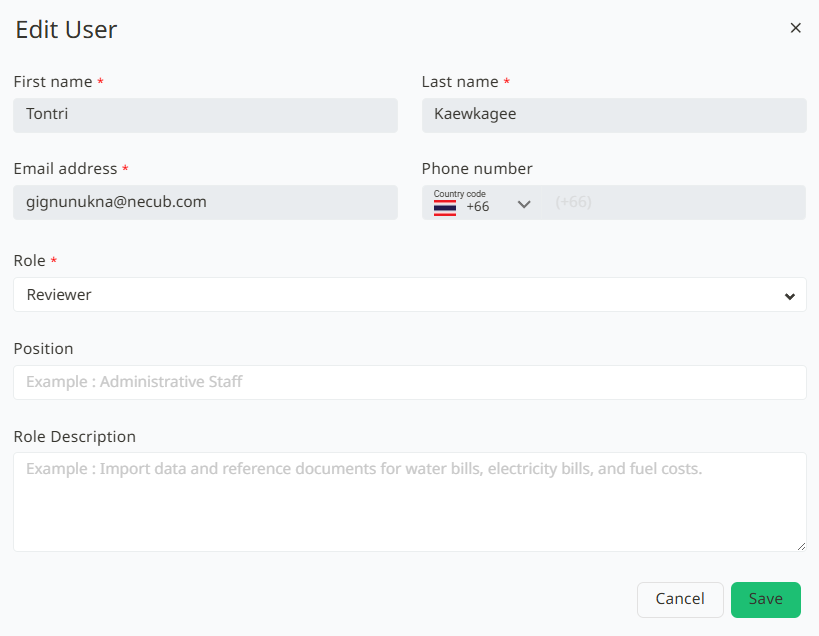
4. Once user has finished editing the information, click Save
Was this article helpful?
That’s Great!
Thank you for your feedback
Sorry! We couldn't be helpful
Thank you for your feedback
Feedback sent
We appreciate your effort and will try to fix the article