User can use the phone to scan this QR Code to access the activity record page. Follow these steps:
1. Scan the QR Code and open the website on user's phone.
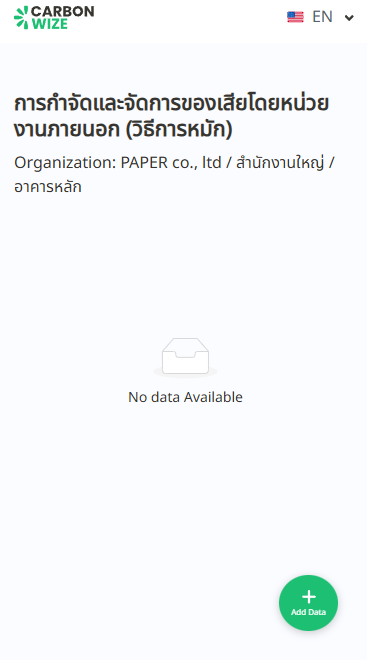
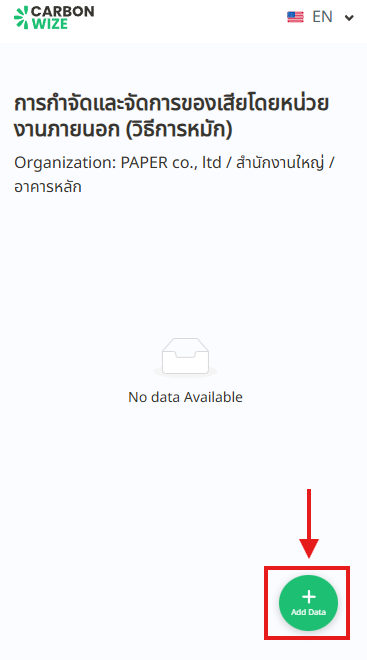
2. Tap the plus sign button in the bottom right corner.
3. A Add New Record window will appear. Fill in all the required information.
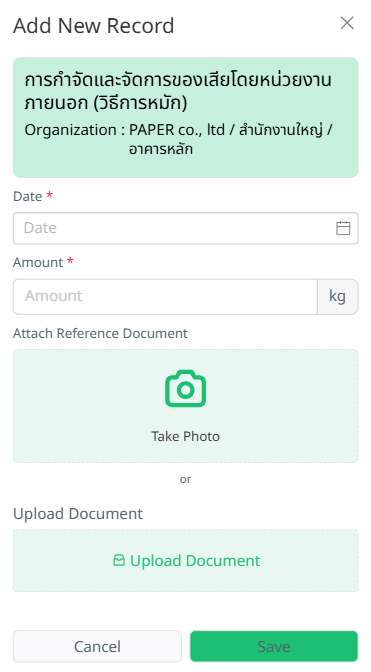
4. Tap the Save button.
5. Items added via QR Code scan will appear on the data entry table. User can click on the month of that activity to view daily details of the data entries.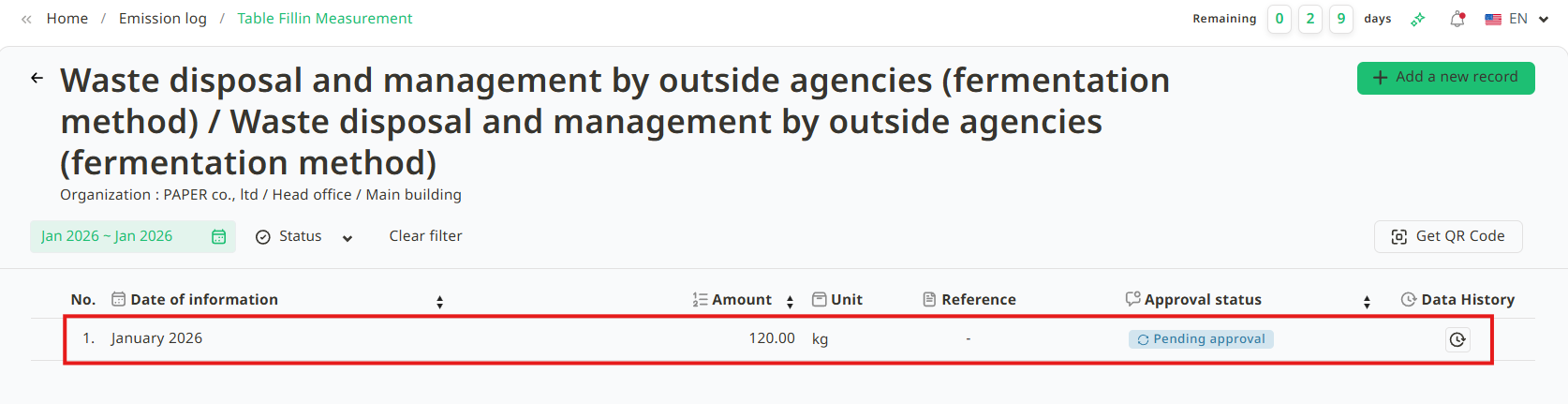
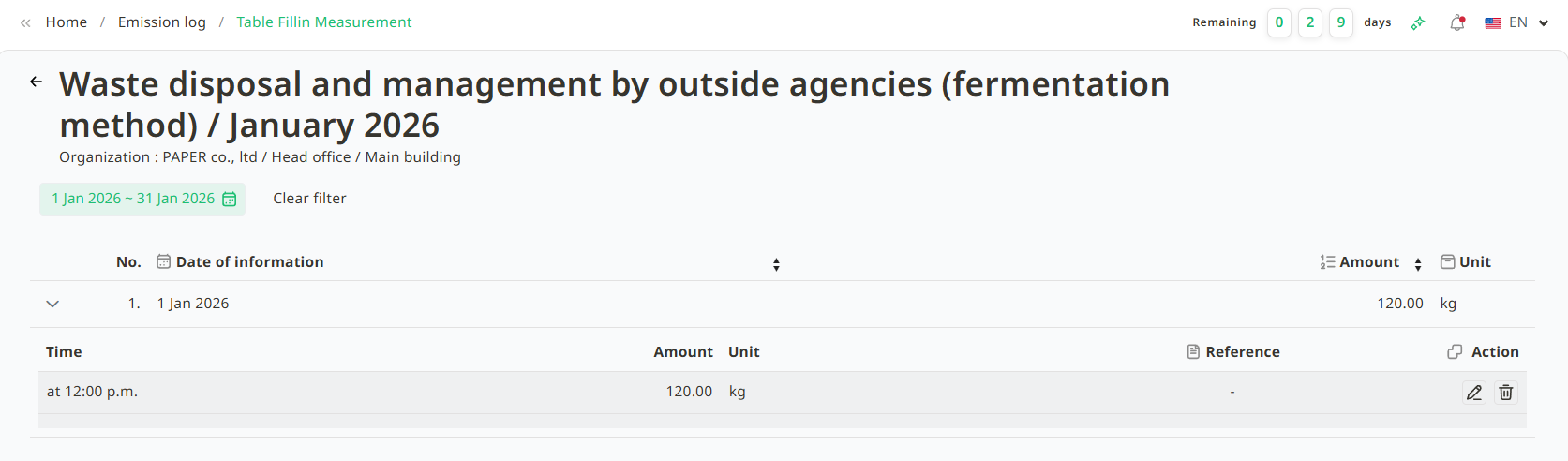
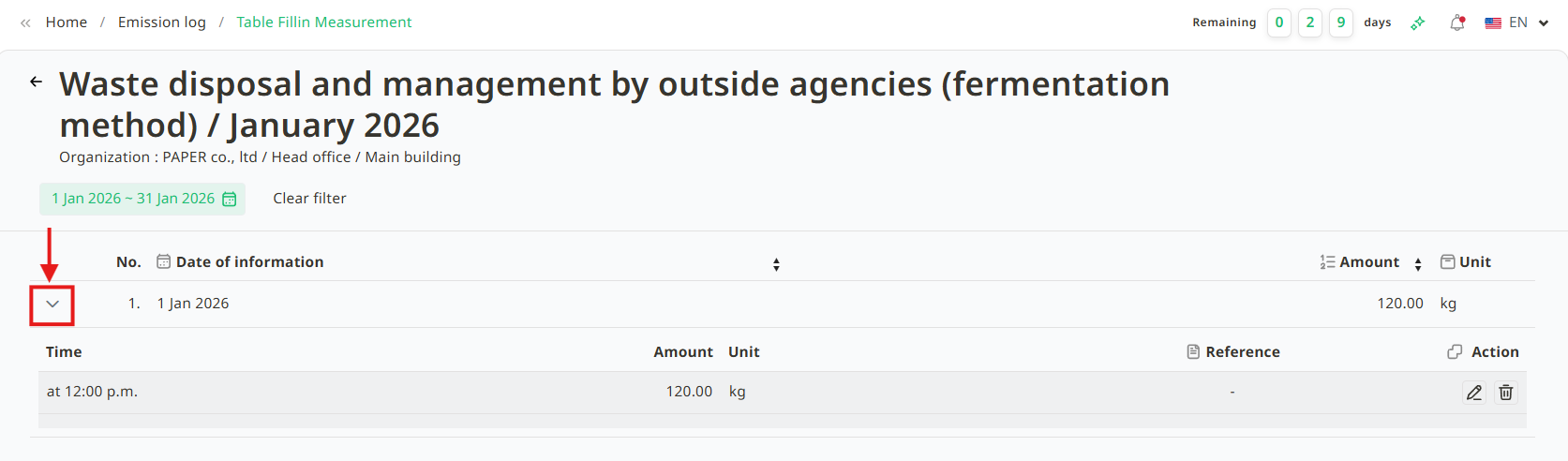
6. User can also tap the arrow button to see details of the data import.
Was this article helpful?
That’s Great!
Thank you for your feedback
Sorry! We couldn't be helpful
Thank you for your feedback
Feedback sent
We appreciate your effort and will try to fix the article